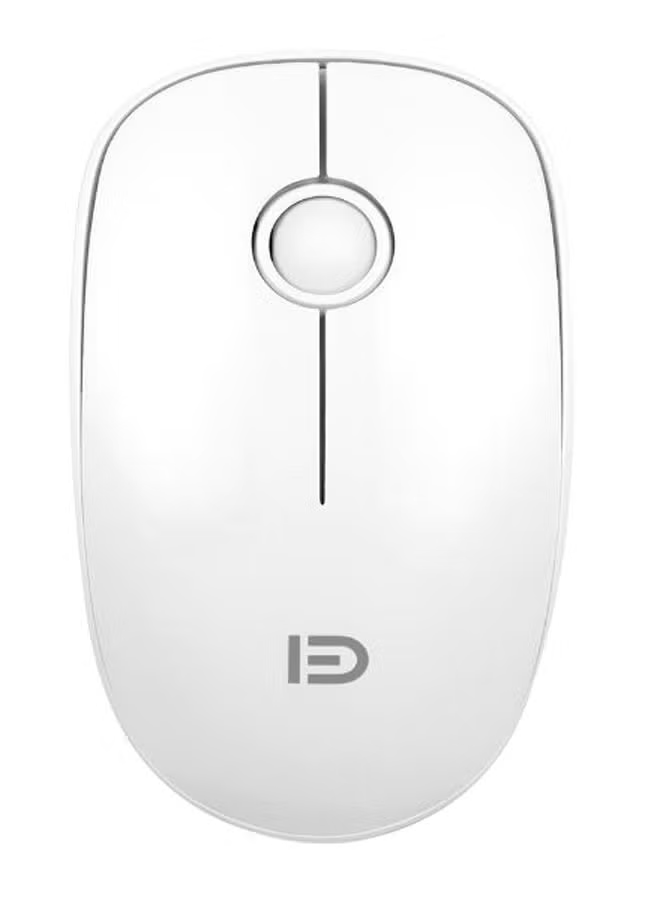
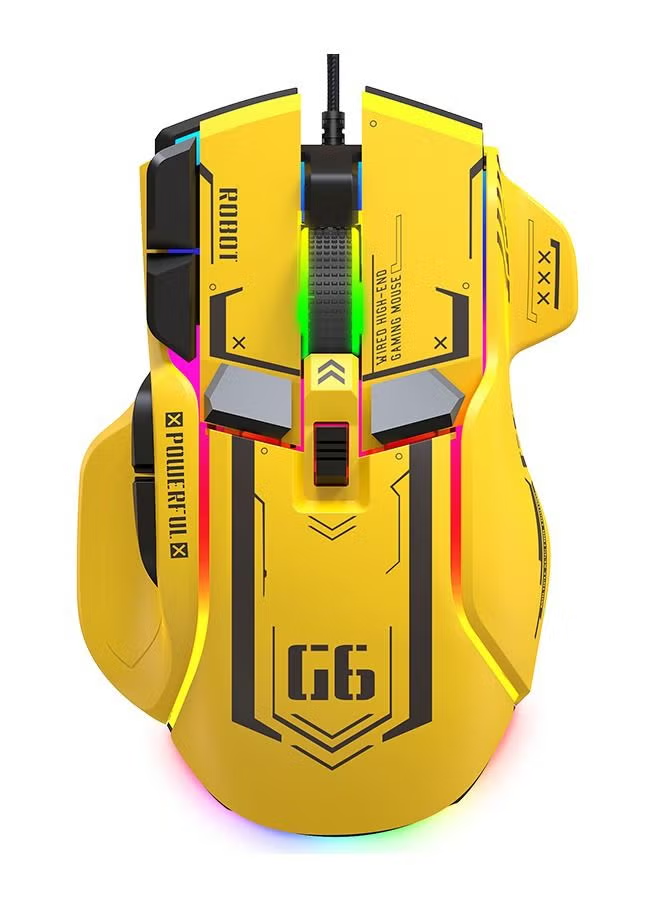
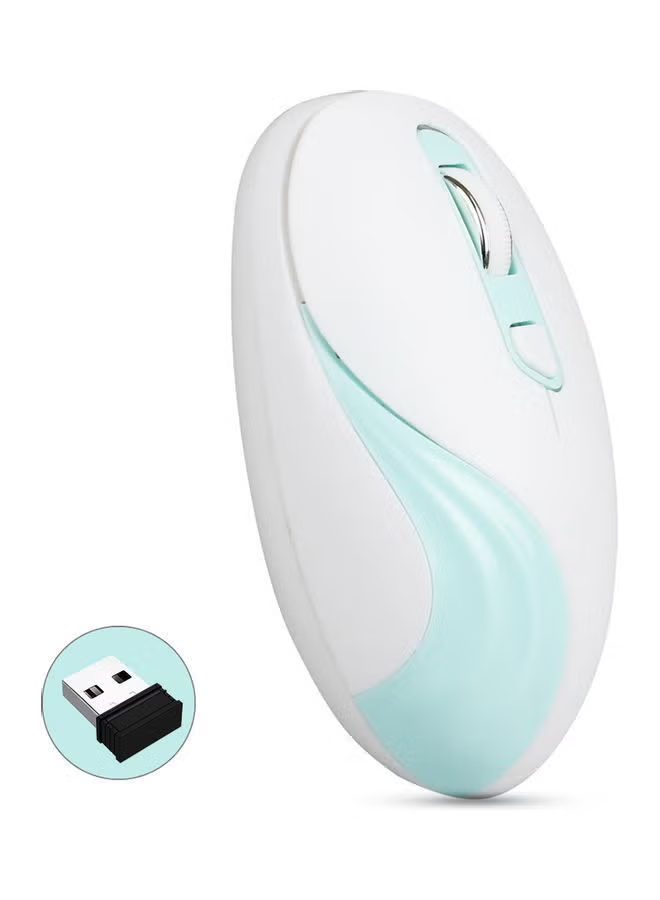
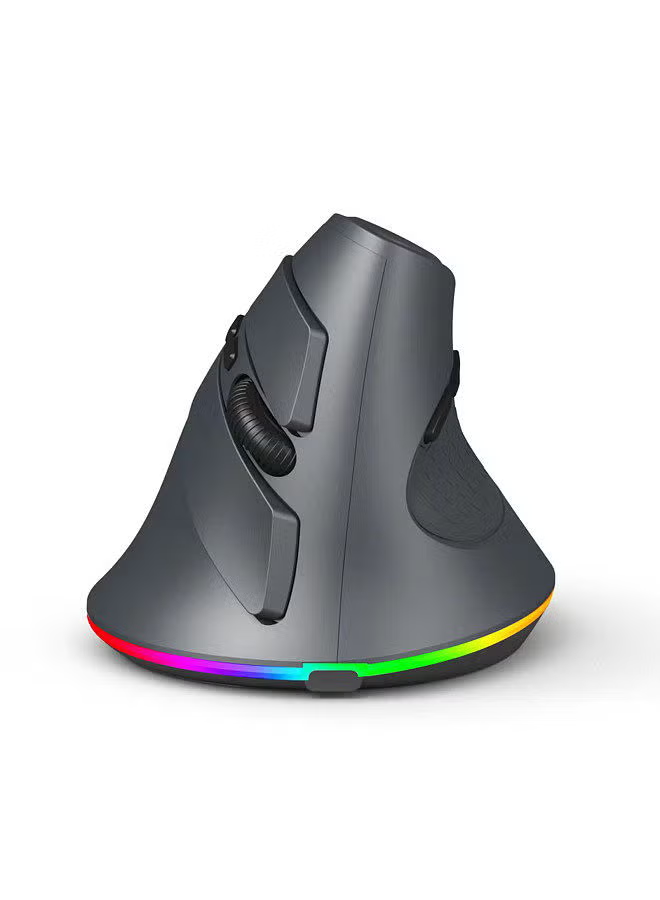
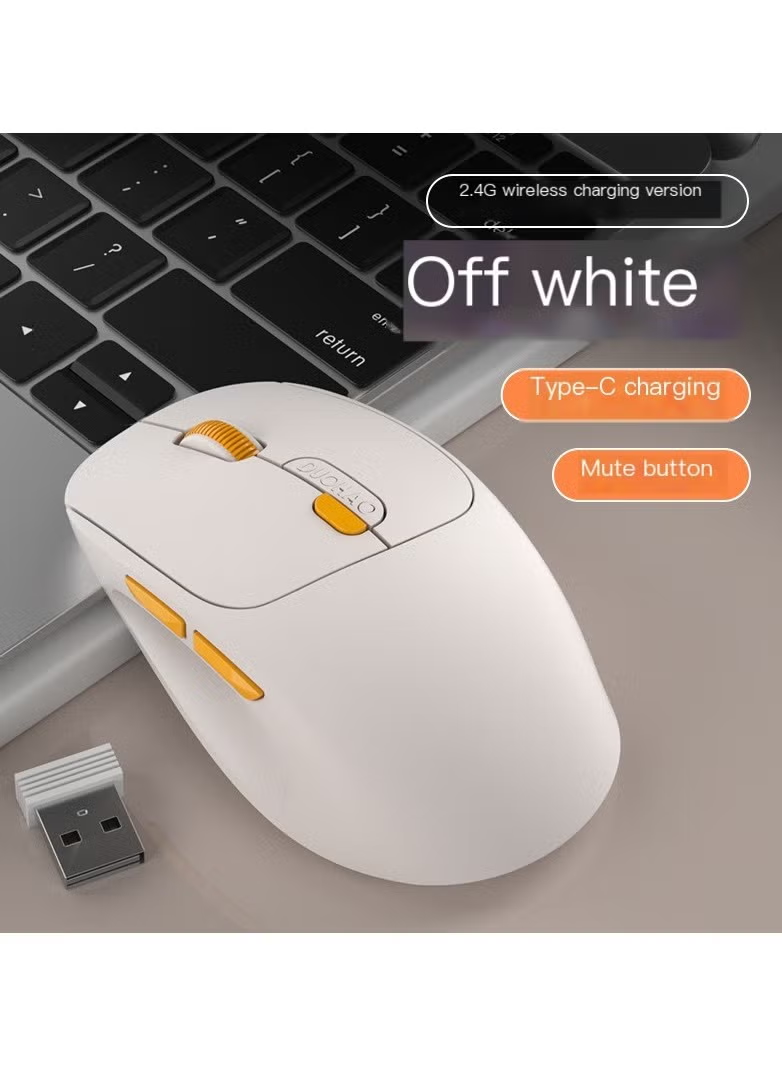
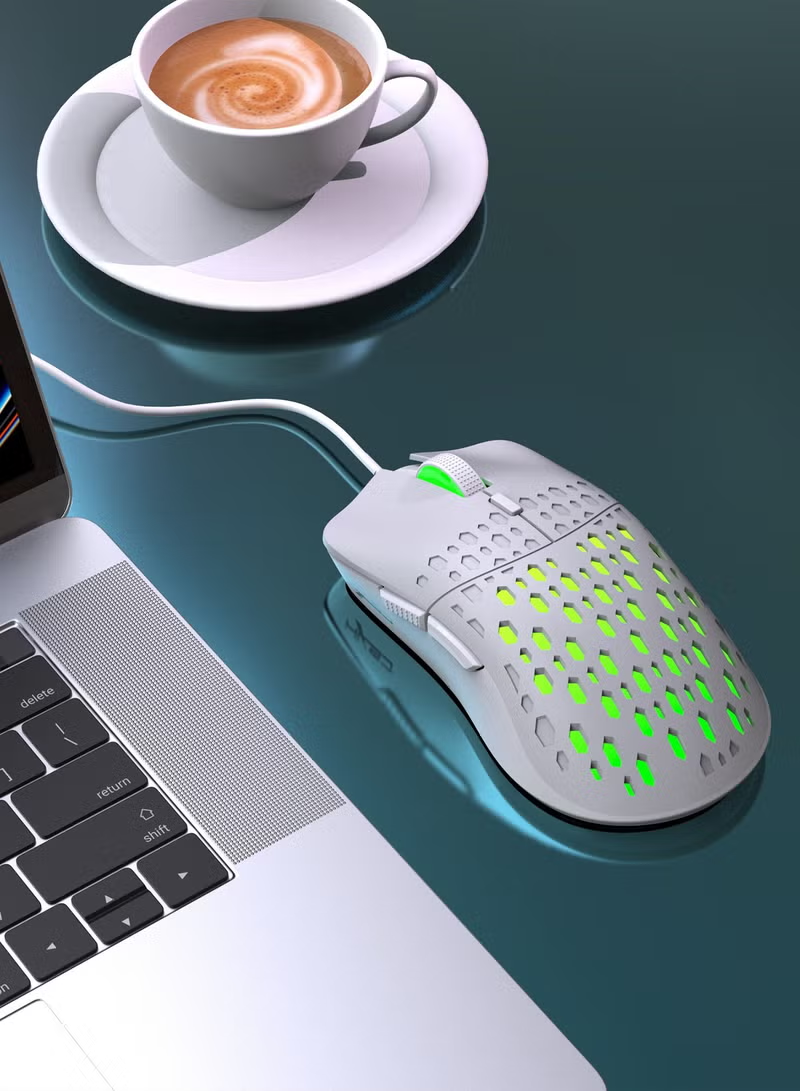
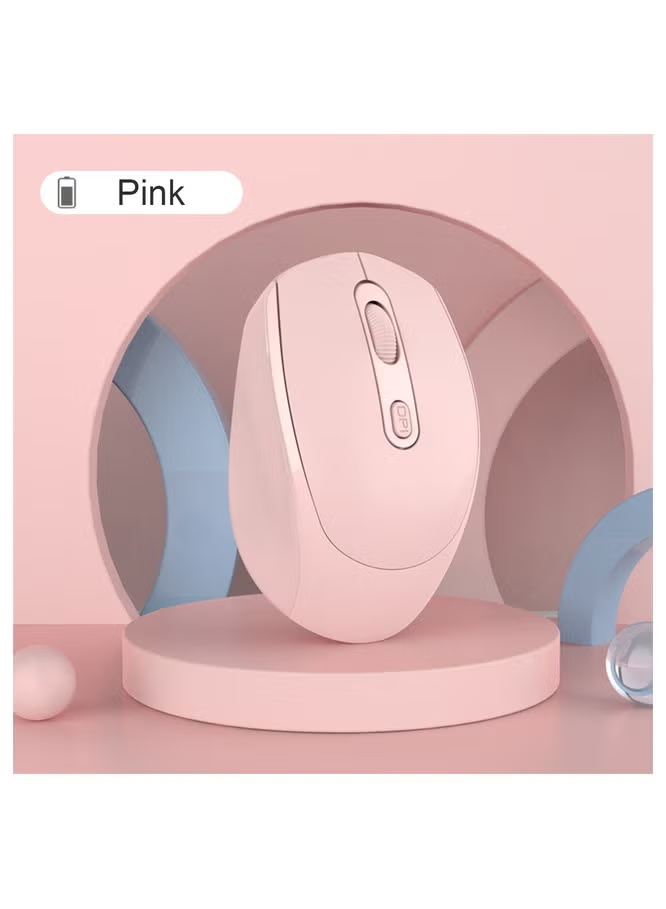
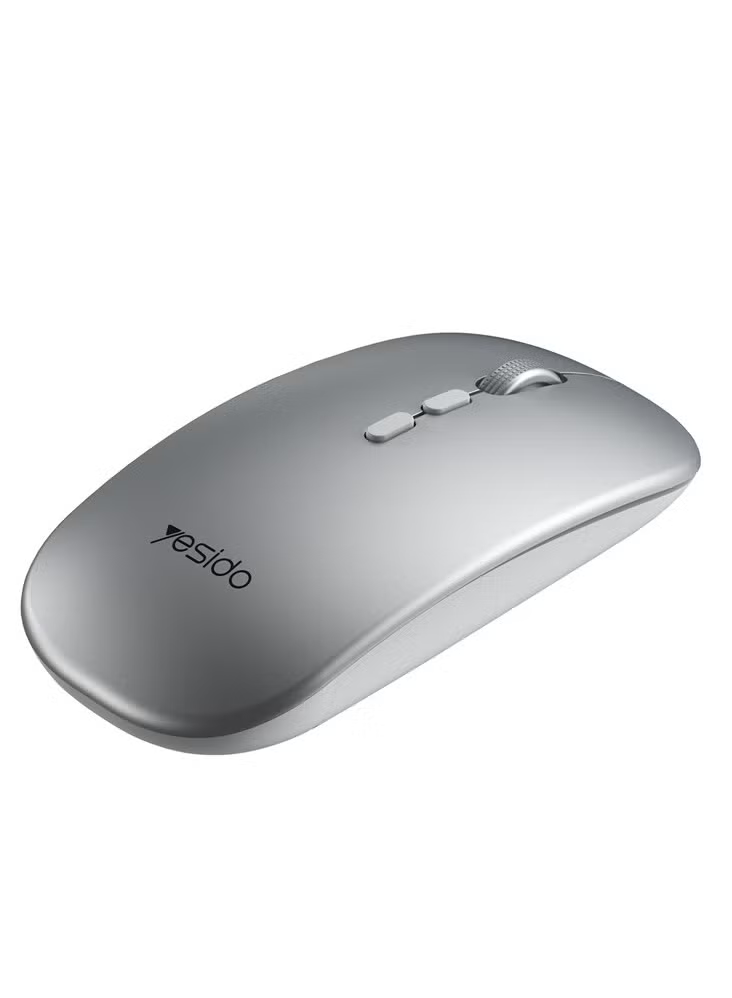
7 LED Backlits Gaming Mouse Wireless RGB Optical Gaming Mouse 800/1200/1600/2400/3200/4800DPI Precise Positioning Comfortable Grip Feeling USB Gaming Mouse
توافر: {{ product.quantity }} جرد
SKU: {{ product.sku }}
{{ product.price_format }}
{{ product.origin_price_format }}
{{ variable.name }}
6 level 800-4800DPI Adopting 6-level DPI of 800DPI,1200DPI, 1600DPI, 2400DPI, 3200DPI,4800DPI to make this gaming mouse suitable for different situations.
Precise Positioning - Adopting high-end optical tracking to give a precise positioning.
Comfortable Grip Feeling - Ergonomic design makes grip feeling very comfortable. No fatigue or pain after long time grasp.
7-kind Backlit - Sequential 7 kinds of backlit bring you into a super brilliant light world. Gives a great visual enjoyment.
Wide Compatibility Compatible with IBM PC Win98SE/Me/2000/XP/VISTA/WIN 7/WIN8/WIN10/WIN11/Android/Apple and other latest systems
Mouse Steps for usage: 1.Turn on the power switch. 2.Supported operating systems: XP, Win7, Win8, win10, etc. 3.Hardware connection: Insert the USB plug of the product into the port of USB 1.1 or above (when the product is used for the first time in the lower right corner of the computer, a prompt to automatically install hardware will pop up) 4.Move the mouse and the computer screen pointer can move accordingly, and the mouse can be used normally.
Precise Positioning - Adopting high-end optical tracking to give a precise positioning.
Comfortable Grip Feeling - Ergonomic design makes grip feeling very comfortable. No fatigue or pain after long time grasp.
7-kind Backlit - Sequential 7 kinds of backlit bring you into a super brilliant light world. Gives a great visual enjoyment.
Wide Compatibility Compatible with IBM PC Win98SE/Me/2000/XP/VISTA/WIN 7/WIN8/WIN10/WIN11/Android/Apple and other latest systems
Mouse Steps for usage: 1.Turn on the power switch. 2.Supported operating systems: XP, Win7, Win8, win10, etc. 3.Hardware connection: Insert the USB plug of the product into the port of USB 1.1 or above (when the product is used for the first time in the lower right corner of the computer, a prompt to automatically install hardware will pop up) 4.Move the mouse and the computer screen pointer can move accordingly, and the mouse can be used normally.
المواصفات
| رقم الموديل | t69 |
|---|