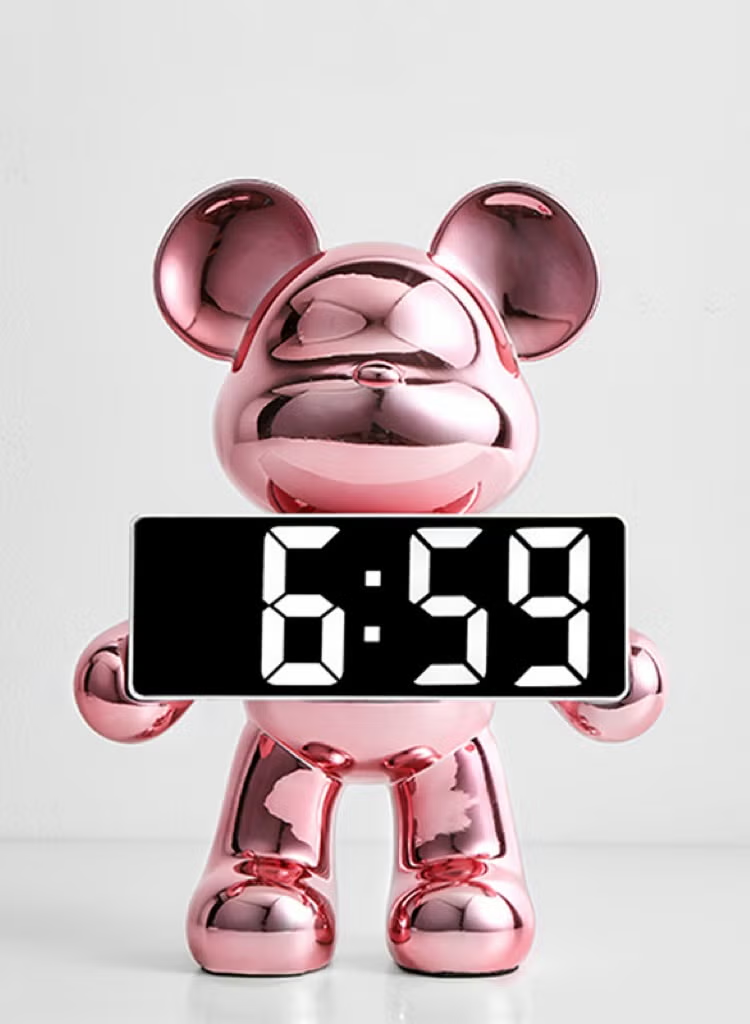
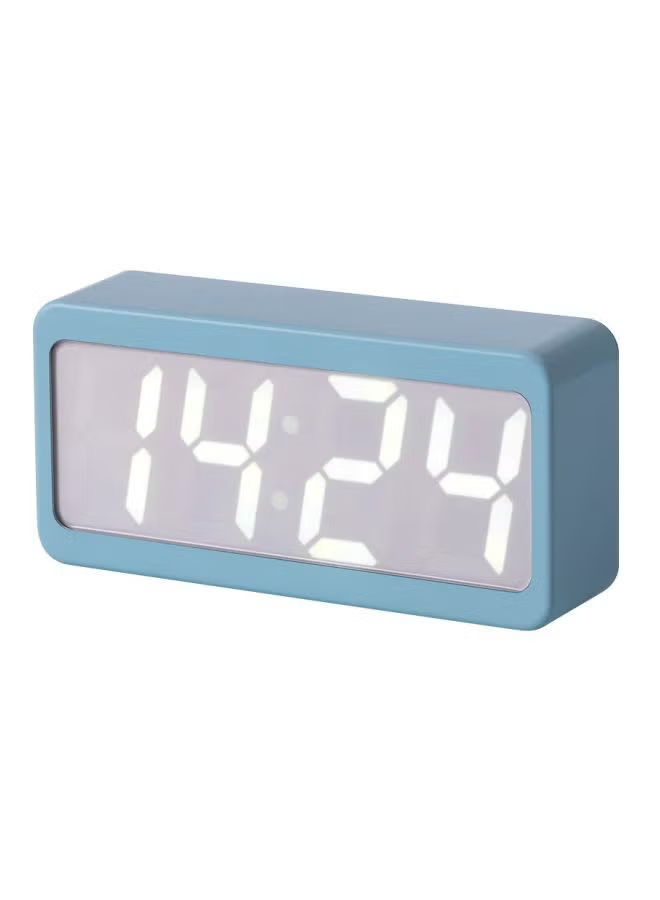
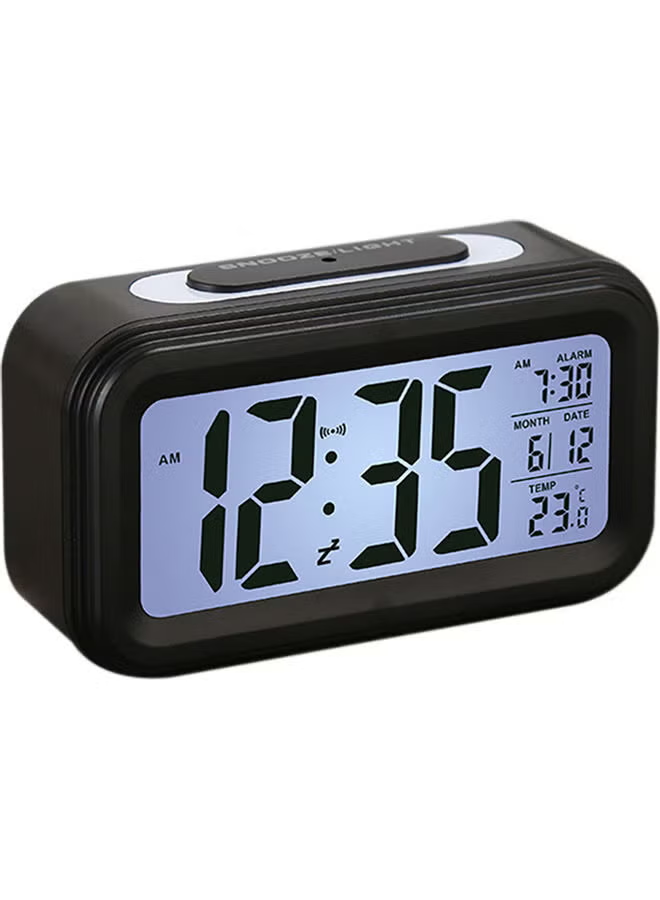
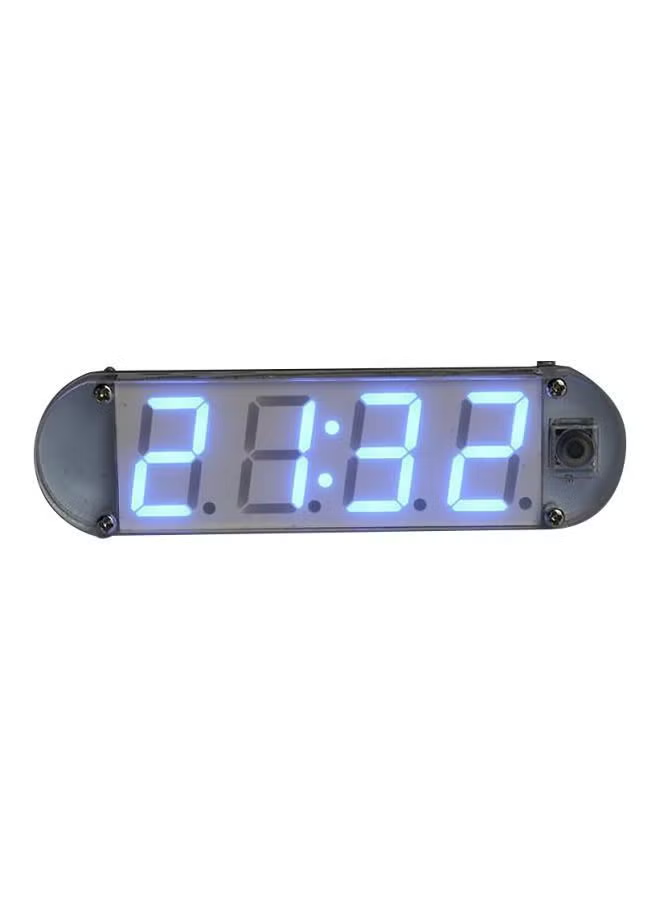
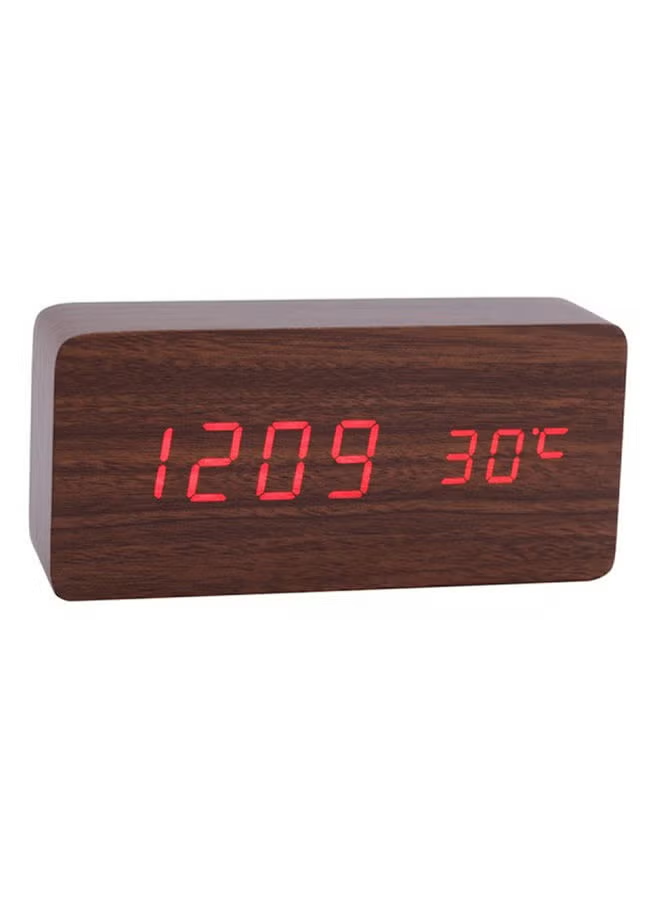
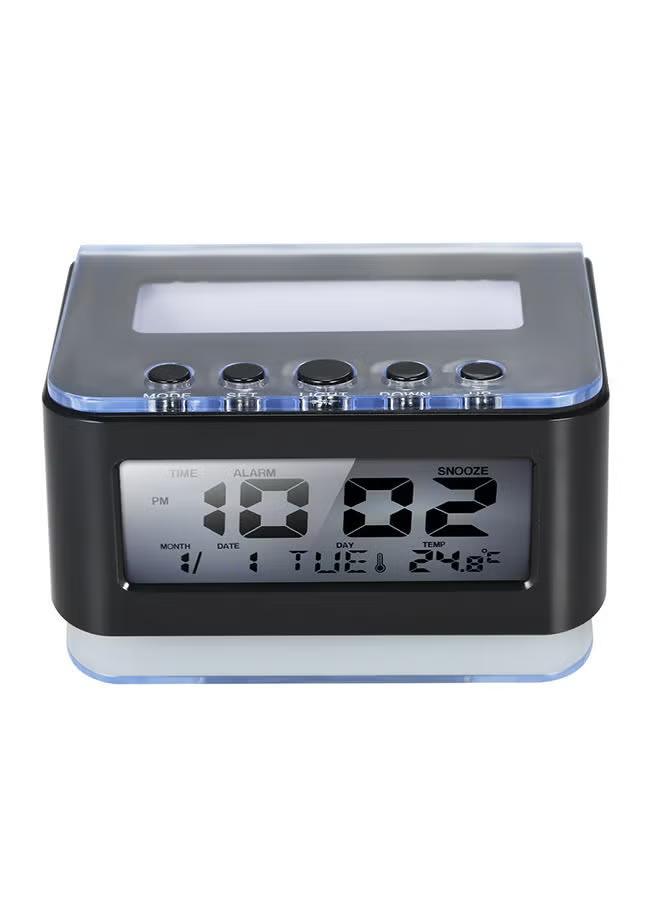
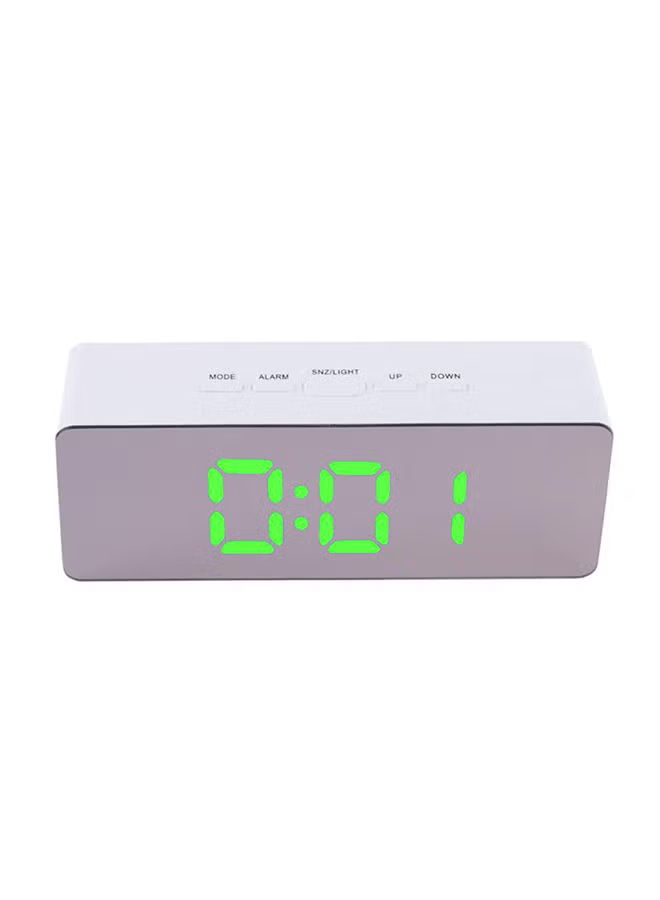
Digital Alarm Clock with Wireless Charging 15W Fast Wireless Charger Station for Phone with 12/24H °C/°F Snooze Mode LED Desk Clocks for Bedroom Bedside Table White
توافر: {{ product.quantity }} جرد
SKU: {{ product.sku }}
{{ product.price_format }}
{{ product.origin_price_format }}
{{ variable.name }}
You and your family may need to wake up at different times. You can set two alarms to provide better wake-up service for you and your family. When the alarm goes off, press the button and you'll enjoy an extra few minutes of sleep.
Put your phone on top of the digital alarm clock, you can easily charge your phone or other devices, 15W/10W/7.5W/5W adaptive charging, support most universal wireless charging phone models.
You can choose from 4 levels of brightness, allowing you to adjust from low brightness to high brightness, and even turn off the desktop clock light and keep sound sensitive.
Bedroom alarm clock, delicate and small, very easy to read the time, it is not only an alarm clock, but also a great decoration for the bedroom. You can place it on your bedside table, bedside table or desk anywhere in your home.
The electronic clock can detect the indoor temperature and switch °C/°F with one key; 12/24h two time display modes to meet different reading habits.
<p><strong>Functional operation instructions:</strong></p> <p>First turn on the power (DC5V)), scan to display 1 to 9, display PM, AL, TEMP points, and then display time and temperature 1. Use a metal needle with a diameter less than 1.4mm to long press RESET KEY (in the bottom hole) for 2 seconds Above, reset clock time=1/1/00:00</p> <p><strong>2. Set the time mode: (When displaying the time, do the following)</strong><br />2.1 Long press M: enter the 12/24 hour setting, short press ▽/△ to switch, and then press the M key briefly to set the hours, minutes, and exit the time settings.<br />2.2 When entering the above setting mode:<br />Long press ▽: add hours, add minutes, switch between 12/24 hour format<br />Short press △: decrease hours, decrease minutes, switch between 12/24 hour format;<br />2.3 When the time is displayed, press and hold △: the temperature display will switch between C (Celsius)/F (Fahrenheit).</p> <p><strong>3. Year, month and day setting method:</strong><br />When the time is displayed, press M briefly to display the date. Press and hold M at this time to enter the setting year, month, and day in sequence. Press M again to set 3 ALARMs;<br />When entering the above setting mode, short press ▽ to set the year, month and day, and turn ALARM on (the alarm clock icon will light up)/off. When ALARM is displayed, long press M to enter the ALARM time setting, △/▽ to change the ALARM time. .</p> <p><strong>4. DP mode setting method:</strong><br />When the time is displayed, short press ▽ to enter DP settings.<br />Short press ▽ to change 3 DP modes.<br />Press M to exit DP settings.<br />DP=1: Display 10s time, 2S date, alternate switching;<br />DP=2: Only the time is displayed, not the date;<br />DP=3: Keep the current display.</p> <p><strong>5. Display brightness (Bright) setting method:</strong><br />When displaying the time, press △ briefly to enter the display brightness (br) setting.<br />Short press △ to change the 5 display brightness (br) modes.<br />Press M to exit the display brightness (br) setting.<br />Display brightness (br) as follows:<br />0: Display brightness according to time;<br />1-4: The four levels of brightness increase sequentially;</p> <p>5: Screen off mode after 5S.<br />In setting mode, it will return to the display time state after 30 seconds without pressing a button.</p>
Put your phone on top of the digital alarm clock, you can easily charge your phone or other devices, 15W/10W/7.5W/5W adaptive charging, support most universal wireless charging phone models.
You can choose from 4 levels of brightness, allowing you to adjust from low brightness to high brightness, and even turn off the desktop clock light and keep sound sensitive.
Bedroom alarm clock, delicate and small, very easy to read the time, it is not only an alarm clock, but also a great decoration for the bedroom. You can place it on your bedside table, bedside table or desk anywhere in your home.
The electronic clock can detect the indoor temperature and switch °C/°F with one key; 12/24h two time display modes to meet different reading habits.
<p><strong>Functional operation instructions:</strong></p> <p>First turn on the power (DC5V)), scan to display 1 to 9, display PM, AL, TEMP points, and then display time and temperature 1. Use a metal needle with a diameter less than 1.4mm to long press RESET KEY (in the bottom hole) for 2 seconds Above, reset clock time=1/1/00:00</p> <p><strong>2. Set the time mode: (When displaying the time, do the following)</strong><br />2.1 Long press M: enter the 12/24 hour setting, short press ▽/△ to switch, and then press the M key briefly to set the hours, minutes, and exit the time settings.<br />2.2 When entering the above setting mode:<br />Long press ▽: add hours, add minutes, switch between 12/24 hour format<br />Short press △: decrease hours, decrease minutes, switch between 12/24 hour format;<br />2.3 When the time is displayed, press and hold △: the temperature display will switch between C (Celsius)/F (Fahrenheit).</p> <p><strong>3. Year, month and day setting method:</strong><br />When the time is displayed, press M briefly to display the date. Press and hold M at this time to enter the setting year, month, and day in sequence. Press M again to set 3 ALARMs;<br />When entering the above setting mode, short press ▽ to set the year, month and day, and turn ALARM on (the alarm clock icon will light up)/off. When ALARM is displayed, long press M to enter the ALARM time setting, △/▽ to change the ALARM time. .</p> <p><strong>4. DP mode setting method:</strong><br />When the time is displayed, short press ▽ to enter DP settings.<br />Short press ▽ to change 3 DP modes.<br />Press M to exit DP settings.<br />DP=1: Display 10s time, 2S date, alternate switching;<br />DP=2: Only the time is displayed, not the date;<br />DP=3: Keep the current display.</p> <p><strong>5. Display brightness (Bright) setting method:</strong><br />When displaying the time, press △ briefly to enter the display brightness (br) setting.<br />Short press △ to change the 5 display brightness (br) modes.<br />Press M to exit the display brightness (br) setting.<br />Display brightness (br) as follows:<br />0: Display brightness according to time;<br />1-4: The four levels of brightness increase sequentially;</p> <p>5: Screen off mode after 5S.<br />In setting mode, it will return to the display time state after 30 seconds without pressing a button.</p>
المواصفات
| الحجم | 12.8*8*6.6 cm |
|---|---|
| رقم الموديل | AY-22 |
| اسم اللون | أبيض |
| اسم الموديل | AY-22 |
| عدد القطع | 1 |
| نوع العرض | رقمي |