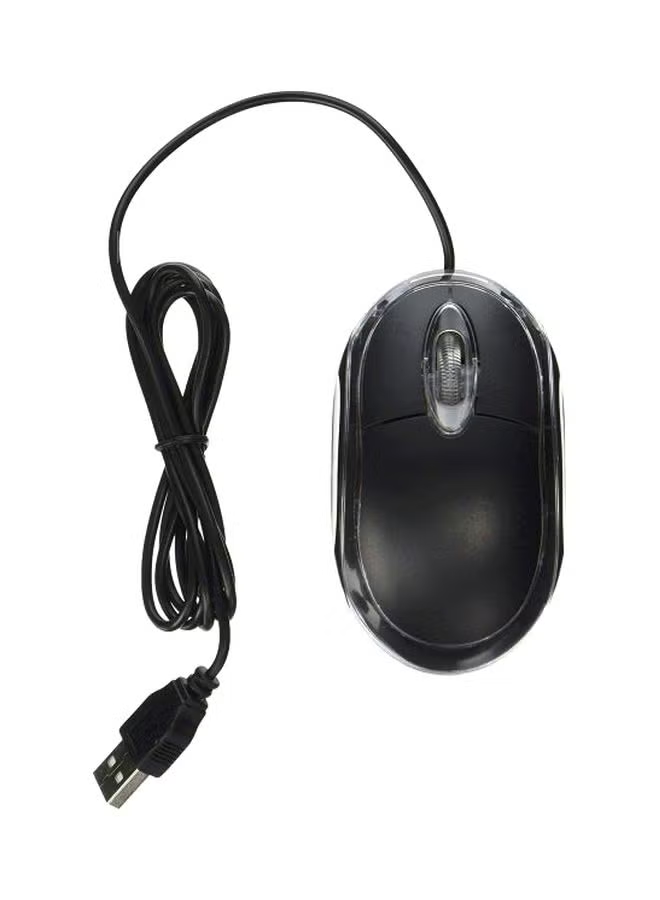
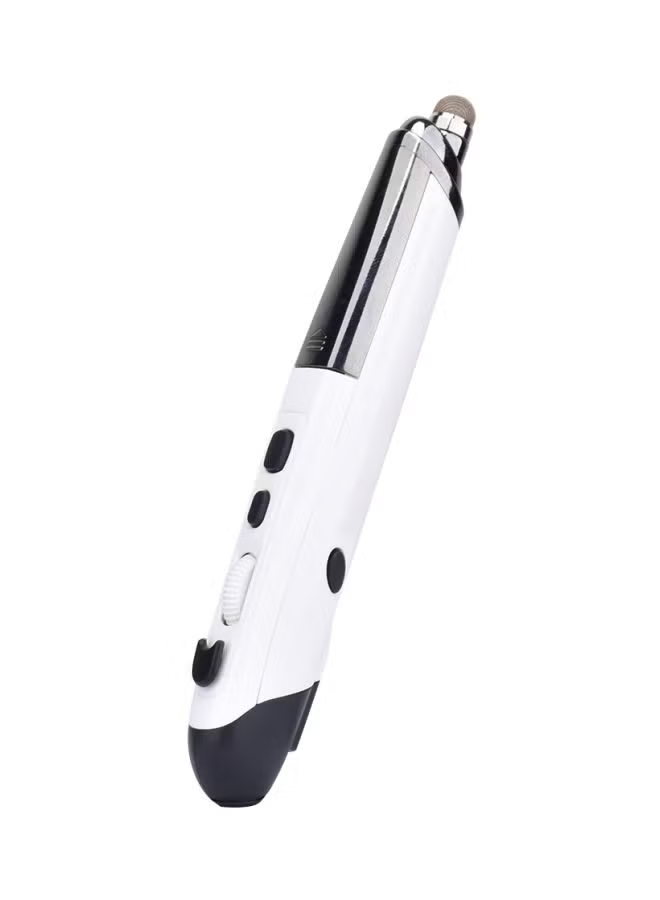
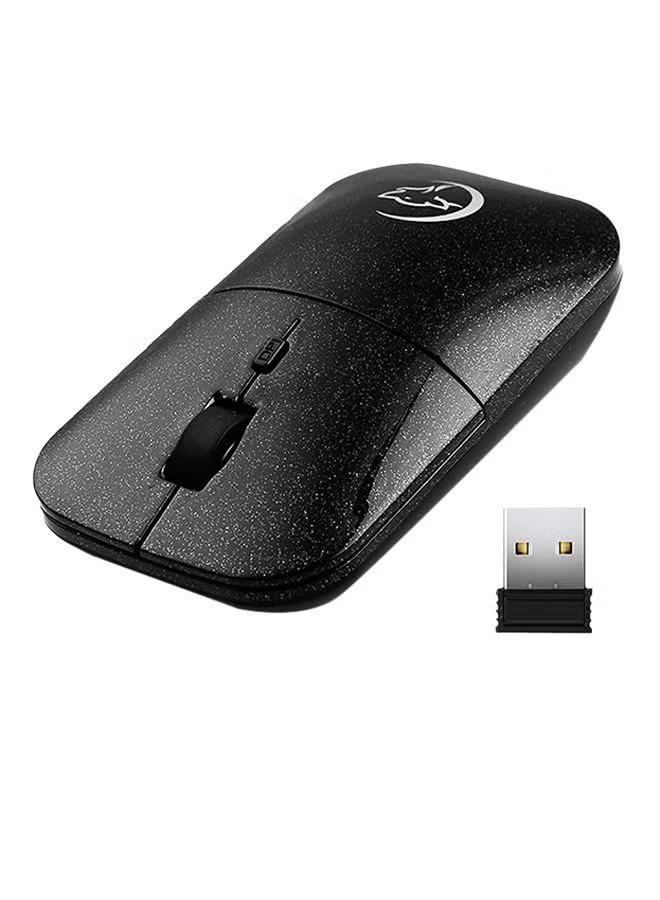
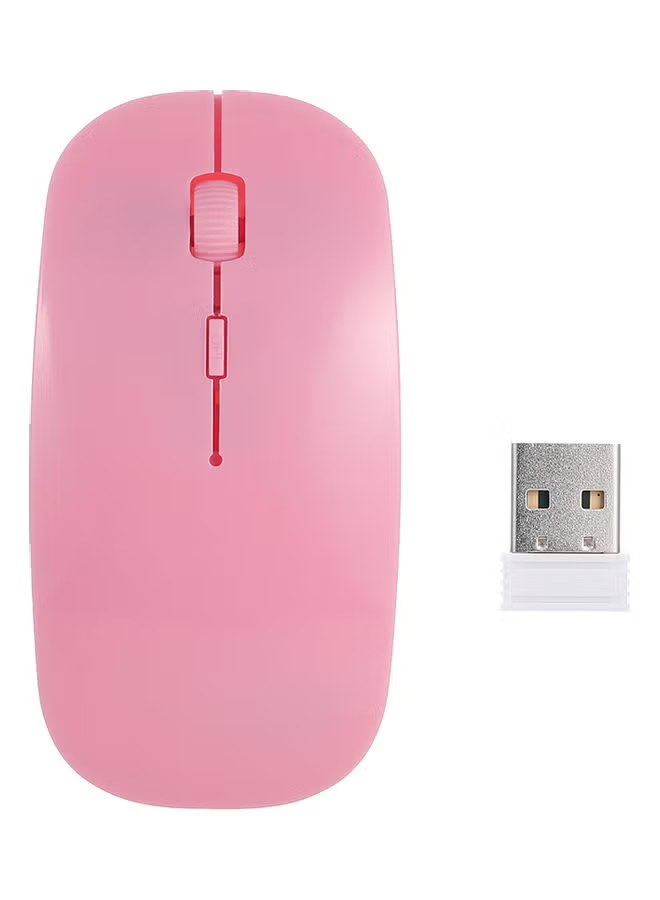
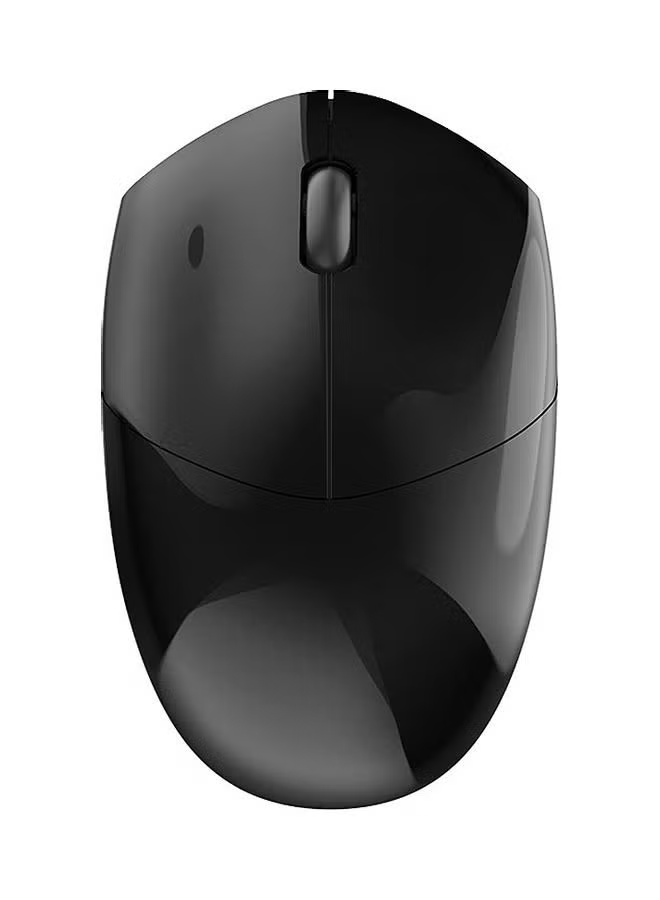
ماوس هوائي لاسلكي PR-01 للكمبيوتر وأجهزة تي في بوكس الذكية أصفر/أسود
توافر: {{ product.quantity }} جرد
SKU: {{ product.sku }}
{{ product.price_format }}
{{ product.origin_price_format }}
{{ variable.name }}
تتميز الأزرار اليسرى / اليمنى بنظام تشغيل منفصل ثوري يوفر أفضل النقرات في الألعاب
مصنوعة بدقة لتقديم مستوى ممتاز من الخدمة
مزود بمقابض جانبية لسهولة المسك وضمان المتانة
Main Features<br>1. 2 in 1 Mouse: 2.4GHz optical mouse + 6D gyroscope fly air mouse. <br>2. Wireless working distance: 10m. <br>3. 4-Levels DPI Adjustable: 600/800/1200/1600DPI. <br>4. Nano USB receiver, plug and play. <br>5. 6D gyroscope fly air mouse, control conveniently, easy to use. <br>6. Support system: Windows 2000 / XP / Vista / 7, Android, Mac OS etc. <br>7. Arched shape provides support for your hand in a natural and comfortable position. <br>8. Battery mode: 2 x AAA battery (not included..<br>Instruction for use<br>1. Press the Storage Key to open the battery compartment. <br>2. Take out the USB receiver form the battery compartment, plus it into a USB host on your PC. <br>3. Insert 2 AAA batteries with correct polarity (+/-.. <br>4. Close the battery compartment. <br>5. Slide the power switch to the ON position. <br>6. After use, insert the USB receiver into your mouse battery compartment for storage.<br>Switch the mouse mode<br>1. The mouse is optical mouse default. <br>2. Click the Mode Select Key: The mouse goes to air mouse mode; Click the Mode Select Key again, the mouse returns to optical mouse mode.<br>Pairing the mouse<br>If the mouse not working while new batteries in the mouse, you should try to re-Pairing the mouse: <br>1. Click the pairing button one times, the mouse into pairing mode <br>2. Re-plug the USB wireless receiver into USB port of the PC <br>3. Wait 30 seconds, if the mouse still does not work, try again (1.2.., it may take several tries before you are successful.<br>
مصنوعة بدقة لتقديم مستوى ممتاز من الخدمة
مزود بمقابض جانبية لسهولة المسك وضمان المتانة
Main Features<br>1. 2 in 1 Mouse: 2.4GHz optical mouse + 6D gyroscope fly air mouse. <br>2. Wireless working distance: 10m. <br>3. 4-Levels DPI Adjustable: 600/800/1200/1600DPI. <br>4. Nano USB receiver, plug and play. <br>5. 6D gyroscope fly air mouse, control conveniently, easy to use. <br>6. Support system: Windows 2000 / XP / Vista / 7, Android, Mac OS etc. <br>7. Arched shape provides support for your hand in a natural and comfortable position. <br>8. Battery mode: 2 x AAA battery (not included..<br>Instruction for use<br>1. Press the Storage Key to open the battery compartment. <br>2. Take out the USB receiver form the battery compartment, plus it into a USB host on your PC. <br>3. Insert 2 AAA batteries with correct polarity (+/-.. <br>4. Close the battery compartment. <br>5. Slide the power switch to the ON position. <br>6. After use, insert the USB receiver into your mouse battery compartment for storage.<br>Switch the mouse mode<br>1. The mouse is optical mouse default. <br>2. Click the Mode Select Key: The mouse goes to air mouse mode; Click the Mode Select Key again, the mouse returns to optical mouse mode.<br>Pairing the mouse<br>If the mouse not working while new batteries in the mouse, you should try to re-Pairing the mouse: <br>1. Click the pairing button one times, the mouse into pairing mode <br>2. Re-plug the USB wireless receiver into USB port of the PC <br>3. Wait 30 seconds, if the mouse still does not work, try again (1.2.., it may take several tries before you are successful.<br>
المواصفات
| رقم الموديل | KB6572YB |
|---|---|
| اسم اللون | أصفر/أسود |
| وزن المنتج | 52 g |
| طول المنتج | 100 mm |
| ارتفاع المنتج | 38 mm |
| عرض/عمق المنتج | 55 mm |
| مفتاح السمة | DPI, Frequency, Gyroscope, Compatible OS, Receiver Type |
| نوع التوصيل | لاسلكي |
| سمات | شخصي, بدون سلك, ضوئي |