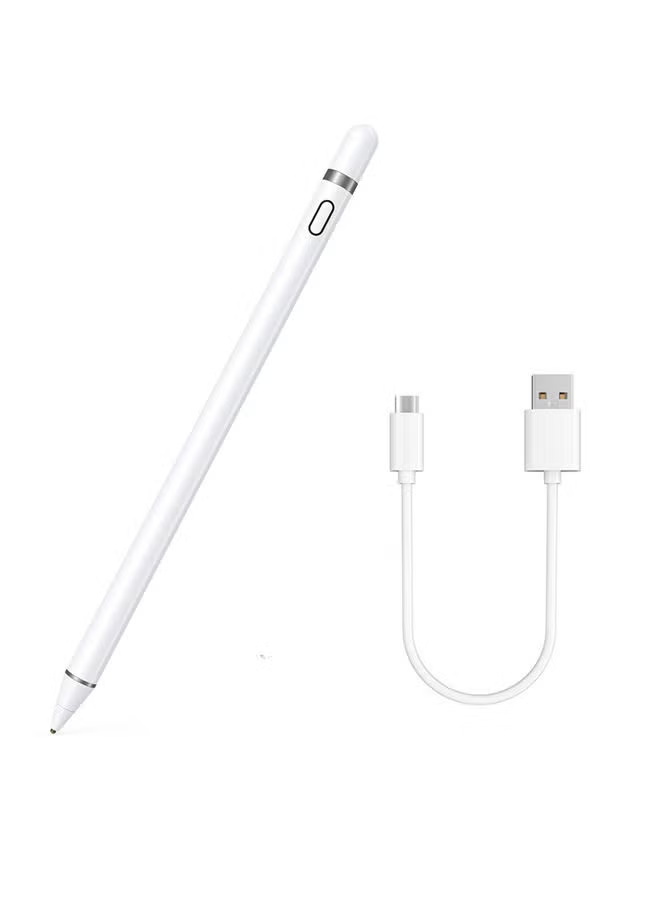
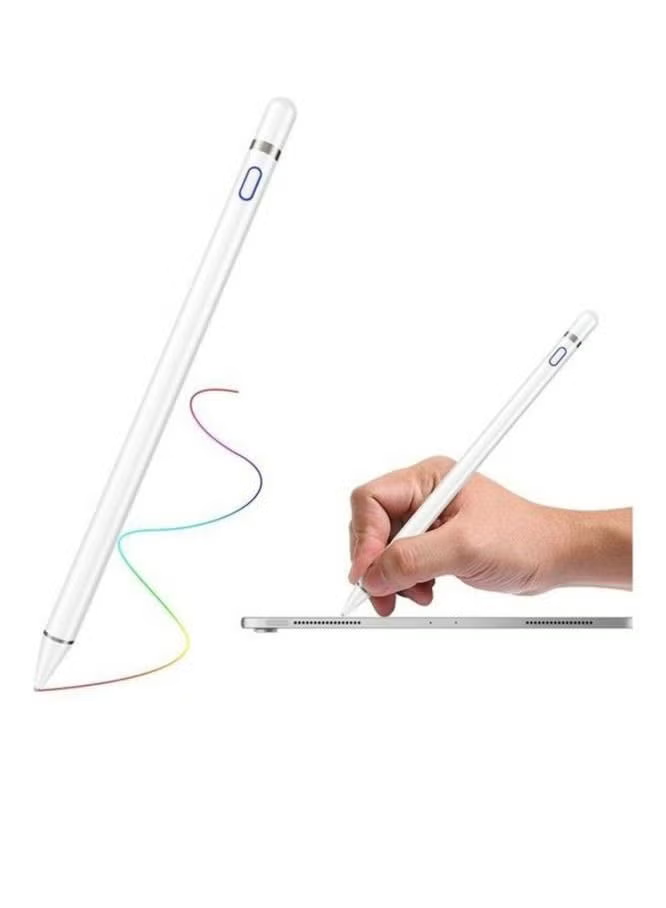
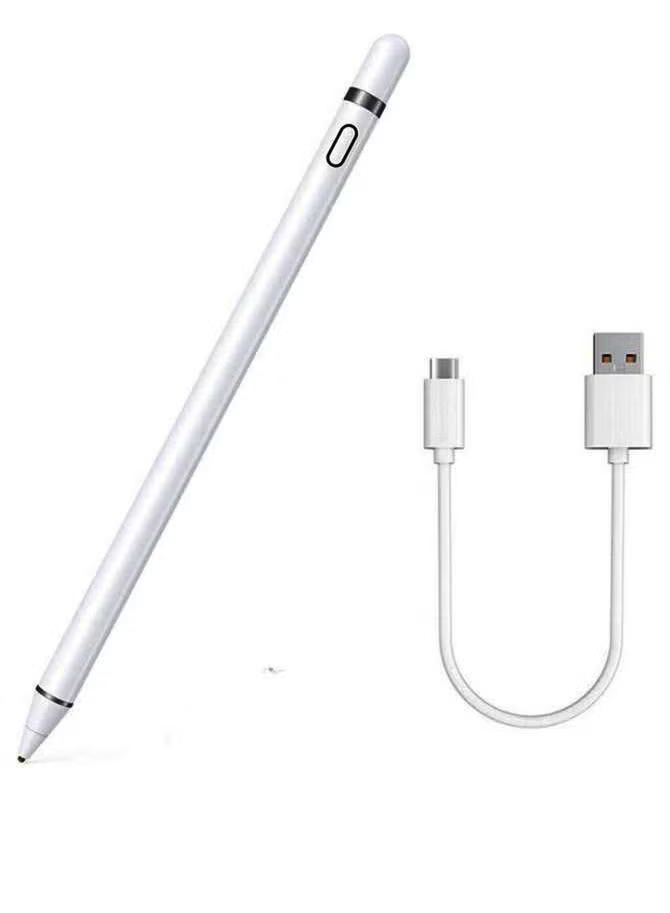
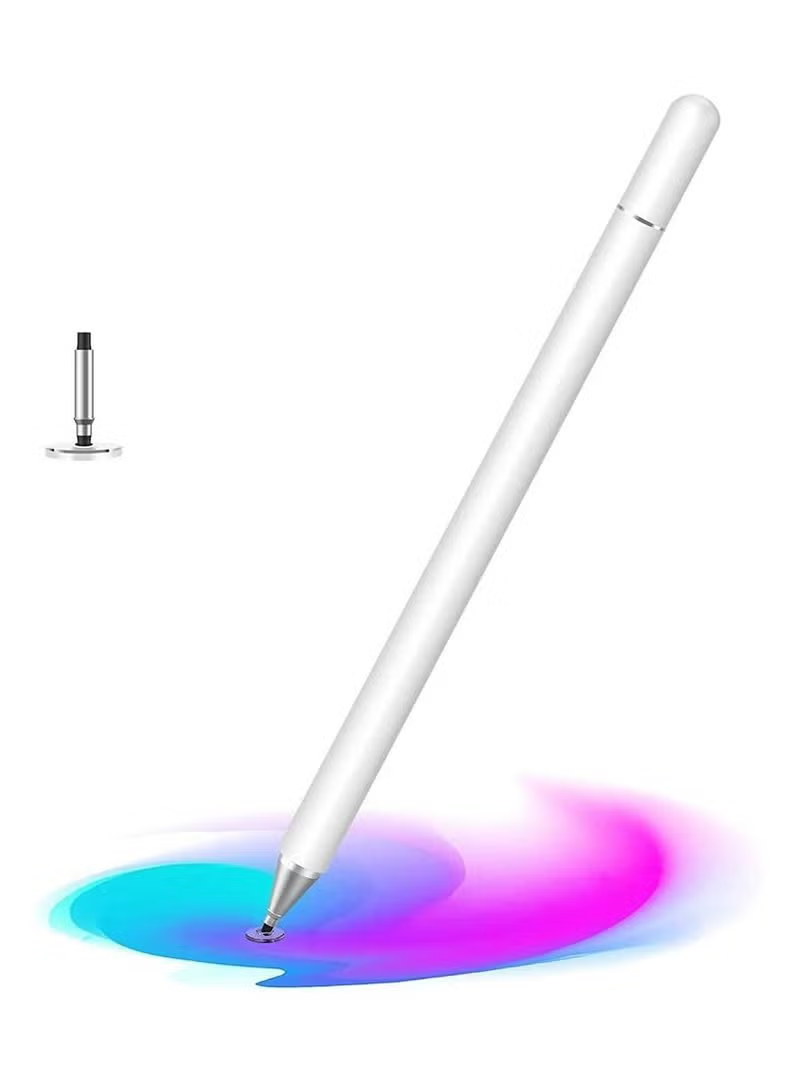
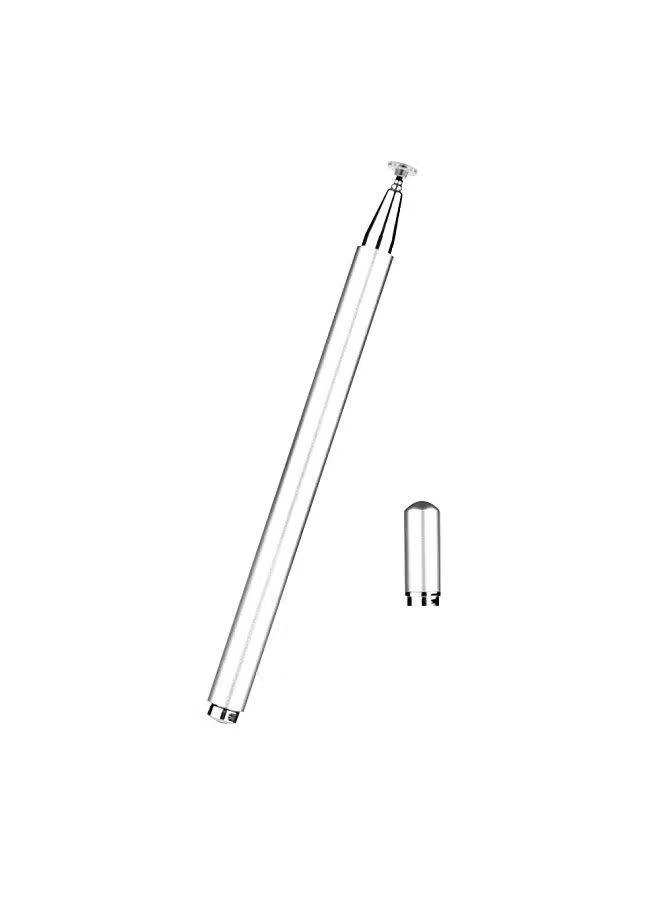
SYOSI Stylus Pen for iPad with Palm Rejection, Upgraded iPad Pencil Pen Compatible for Apple iPad 10th/ 9th/ 8th/ 7th/ 6th Gen, iPad Mini 5/ 6th Gen, iPad Air 3rd/4th/5th, iPad Pro 11/12.9inch
توافر: {{ product.quantity }} جرد
SKU: {{ product.sku }}
{{ product.price_format }}
{{ product.origin_price_format }}
{{ variable.name }}
【Universal Compatibility】: Compatible for iPad 2018 and later versions, including iPad 10th/9th/8th/7th/6th Generation, iPad Air 3rd/4th/5th Gen, iPad mini 5th/6th Gen, iPad Pro 2018-2022 (12.9"/11") Not compatible with other models.
【Precise and Smooth】: This iPad stylus adopts the latest tilt-sensing technology, the thickness of the lines can change according to different angles of the stylus. 1.2mm fine-tip pen tip, precise and smooth writing, no noise, no jump, no delay.
【Easy to Connect】: No need to setting Bluetooth or install any apps, just turn on this stylus pen by simply touching the switch on the pencil top for 2 seconds, it will turn on and connect with your iPad automatically. Super easy to use.
【Palm Rejection】: This Apple pencil for iPad Pro Stylus pen with palm rejection technology allows you to rest your hand comfortably on the iPad screen without glove, more naturally to write and draw just like on paper.
【Fast Charging and Low Power】: This stylus pen supports 12 hours of continuous use and 180 days long term standby for only 1.5 hour per charging. It will automatically shuts down after idle for 5 minutes to save power.
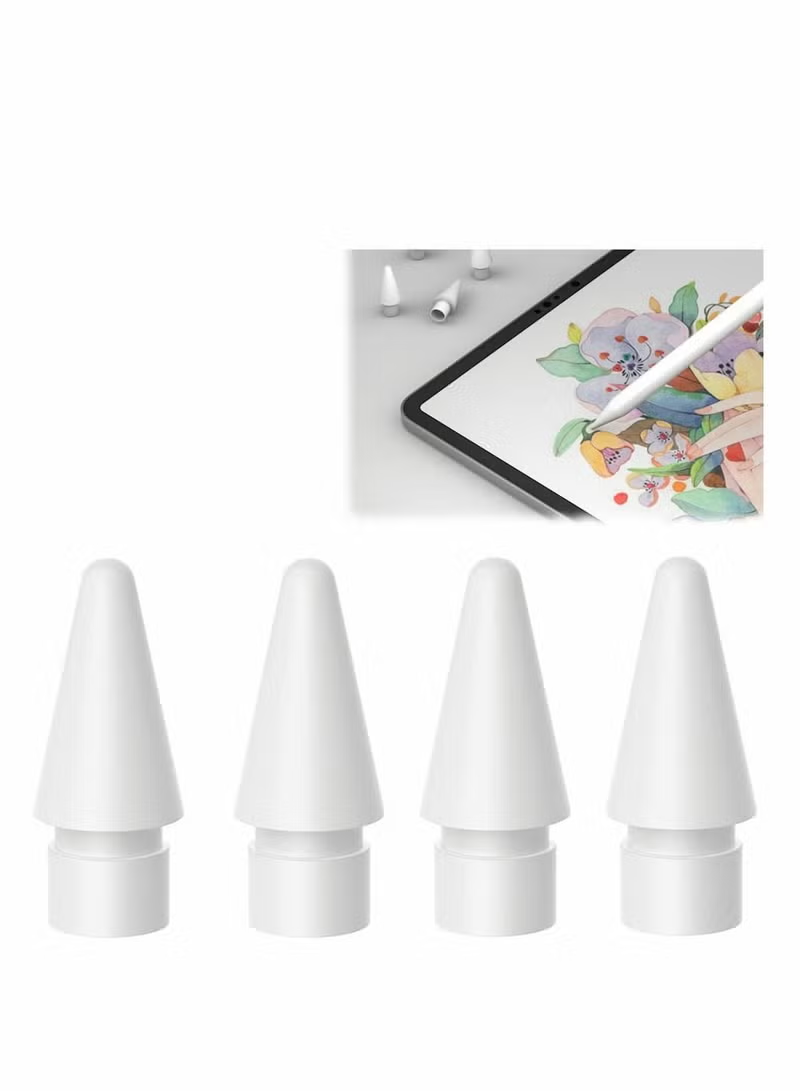
<p><b>Features:</b></p> <p>-Built-in magnetic in the stylus pen, it can be absorped on the ipad, anti scrolling and losing.</p> <p>-It can 12 hours of continuous use, 180 days long term standby and only 1.5 hour for full charging.</p> <p>-1.2mm fine point nib provides precisely and smoothly writing feeling, no noise, no skip, and no lag.</p> <p>-The package included 5 replacement nibs, don't need to worry about the nib will be broken anymore.</p> <p>-No need to keep your hand away from the iPad touch screen or wear gloves. With this stylus pen for iPad, you can enjoy a real writing experience.</p> <p></p> <p><b>Warm Tips:</b></p> <p>-It‘s not compatible with iPad Pro 12.9" (1st/2nd Gen), iPad Pro 9.7"/10.5", and iPhone.</p> <p>-Please fully charged before first use.</p> <p>-Please update your system to iOS 12.2 or above.</p> <p>-It will auto-turn off if not used for 5 minutes, you can touch the top for 2 seconds to turn on it.</p>
【Precise and Smooth】: This iPad stylus adopts the latest tilt-sensing technology, the thickness of the lines can change according to different angles of the stylus. 1.2mm fine-tip pen tip, precise and smooth writing, no noise, no jump, no delay.
【Easy to Connect】: No need to setting Bluetooth or install any apps, just turn on this stylus pen by simply touching the switch on the pencil top for 2 seconds, it will turn on and connect with your iPad automatically. Super easy to use.
【Palm Rejection】: This Apple pencil for iPad Pro Stylus pen with palm rejection technology allows you to rest your hand comfortably on the iPad screen without glove, more naturally to write and draw just like on paper.
【Fast Charging and Low Power】: This stylus pen supports 12 hours of continuous use and 180 days long term standby for only 1.5 hour per charging. It will automatically shuts down after idle for 5 minutes to save power.
<p><b>Features:</b></p> <p>-Built-in magnetic in the stylus pen, it can be absorped on the ipad, anti scrolling and losing.</p> <p>-It can 12 hours of continuous use, 180 days long term standby and only 1.5 hour for full charging.</p> <p>-1.2mm fine point nib provides precisely and smoothly writing feeling, no noise, no skip, and no lag.</p> <p>-The package included 5 replacement nibs, don't need to worry about the nib will be broken anymore.</p> <p>-No need to keep your hand away from the iPad touch screen or wear gloves. With this stylus pen for iPad, you can enjoy a real writing experience.</p> <p></p> <p><b>Warm Tips:</b></p> <p>-It‘s not compatible with iPad Pro 12.9" (1st/2nd Gen), iPad Pro 9.7"/10.5", and iPhone.</p> <p>-Please fully charged before first use.</p> <p>-Please update your system to iOS 12.2 or above.</p> <p>-It will auto-turn off if not used for 5 minutes, you can touch the top for 2 seconds to turn on it.</p>