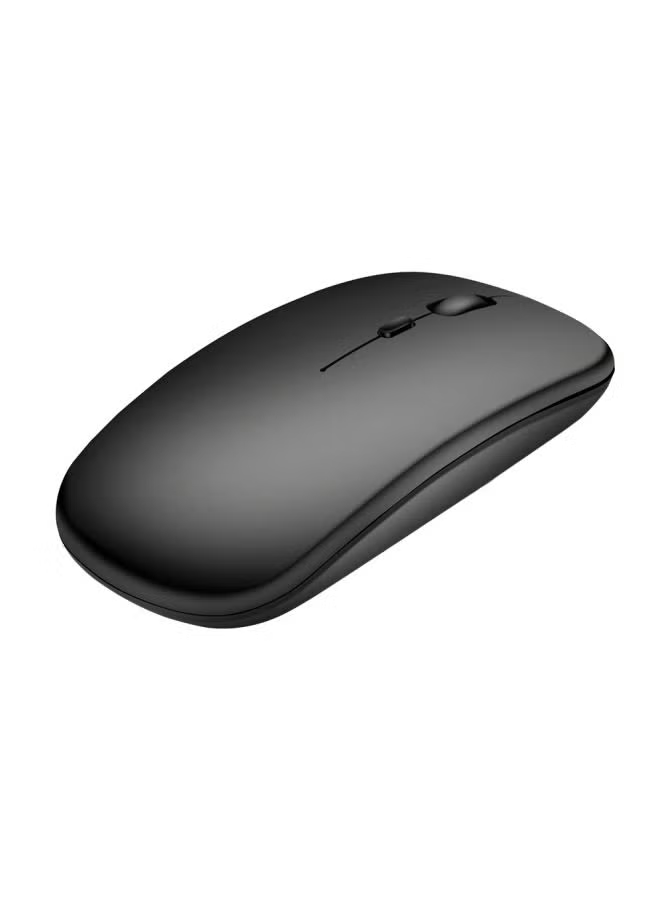
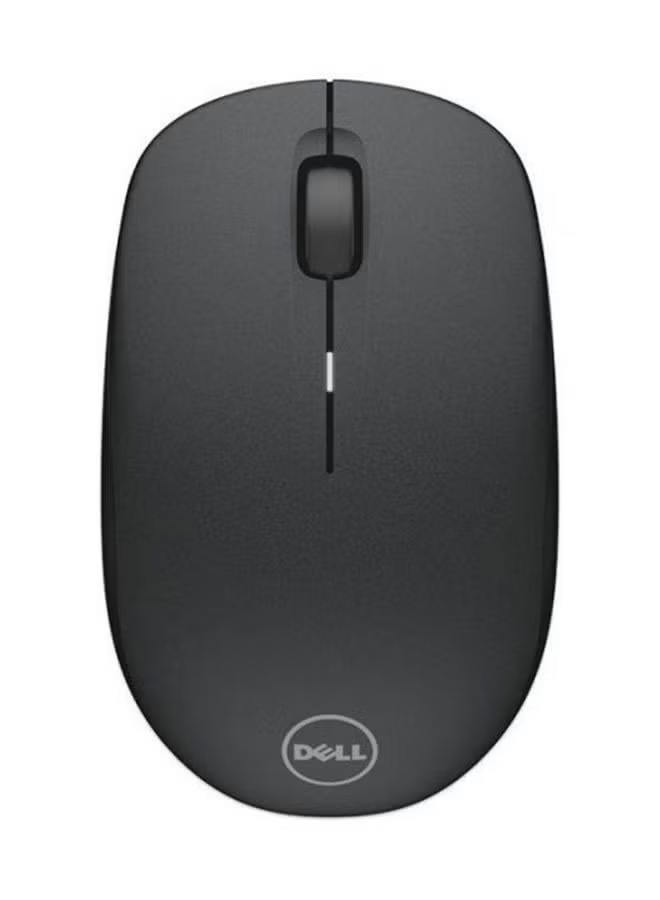
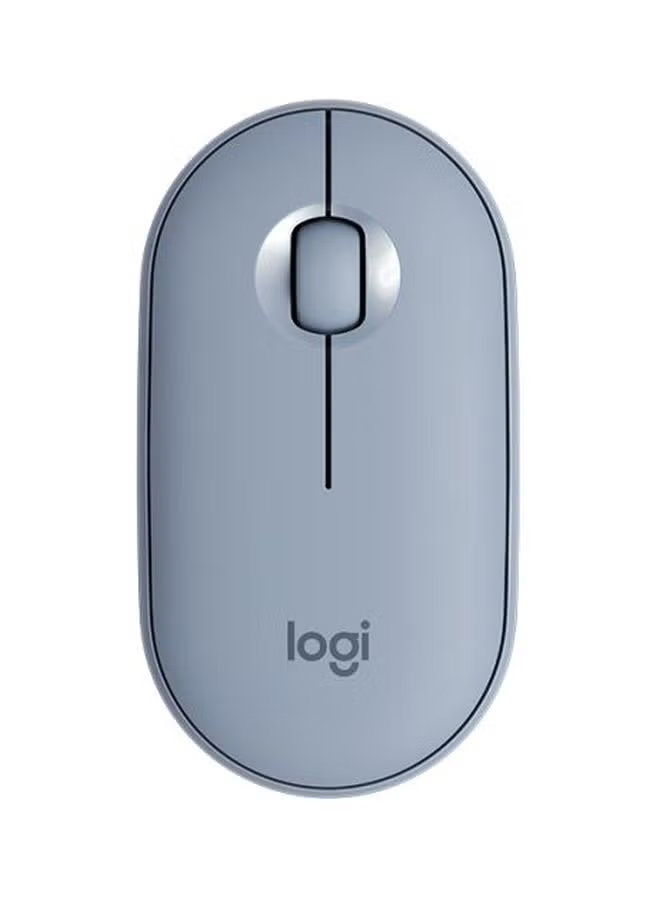
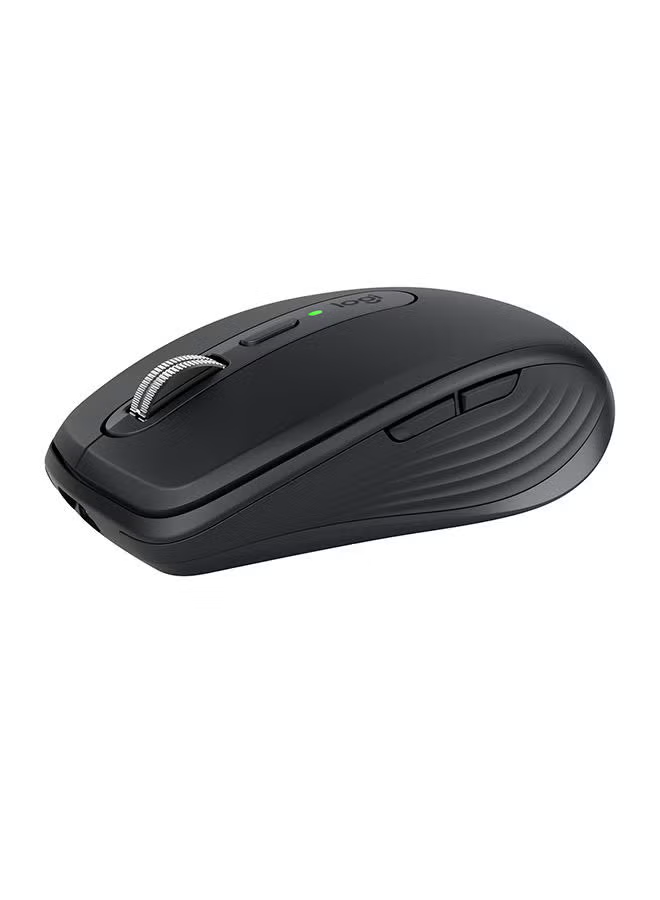
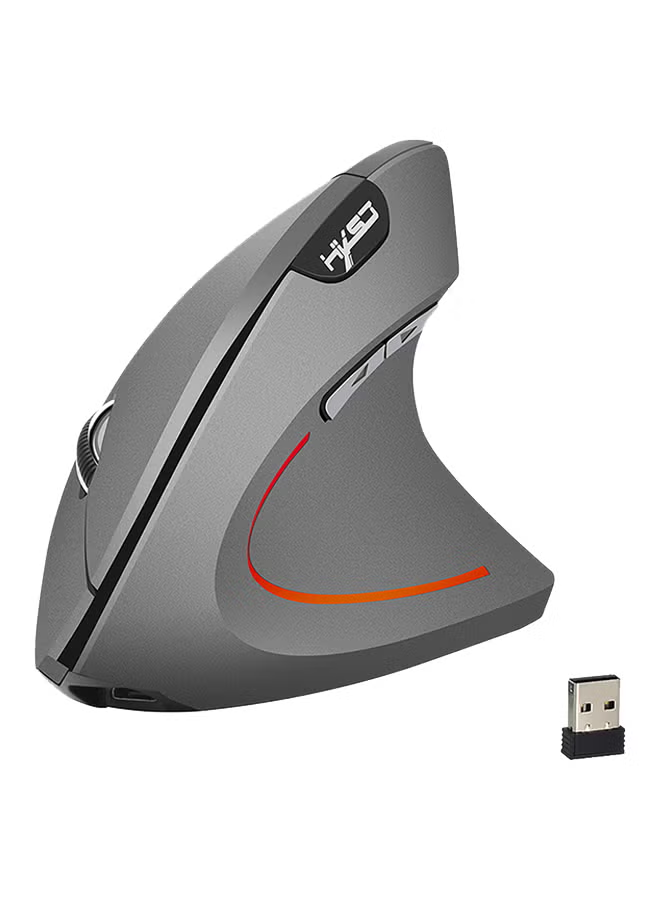
T90 Three-Model Wireless Mouse BT1/BT2/2.4G Max 3600DPI/125HZ RGB Lighting Charging Mouse Ergonomic Design(White)
توافر: {{ product.quantity }} جرد
SKU: {{ product.sku }}
{{ product.price_format }}
{{ product.origin_price_format }}
{{ variable.name }}
3 Modes: 2.4 G Wireless+BT 1+BT 2,Rechargeable: 750mAh Built-in Rechargeable Battery
Accurate tracking: PAW3212 PIX professional IC positioning accuracy,10M Wireless Receiving Distance
Five-speed DPI adjustment design,Max 3600DPI,10 million times Mute switch design(Left and Right Buttons)
Adopting water transfer printing design, it has a fashionable appearance and comfortable grip
Light mode: RGB marquee effect, Up to 6 lighting pattern designs,The light can be turned off
HOW TO USE: USB 2.4G mode connection steps: 1. Set the mouse switch to ON . 2. Plug the receiver into the computer's USB port. Press the mode button once.The red LED flashes and the installation is done automatically. BT Mode: To turn on the BT mode, you need to press the mode button for 3 seconds and the green light flashes quickly,indicating that the Bluetooth mode is activated and you can search for connections. BT Mouse1 mode connection steps: 1. Turn on the BT icon on your computer. 2. Turn on the mouse power switch, press the mode switch 2times, the second mode light turns green and flashes quickly. 3. Enter BT Mouse 1 BT Wireless connection mode for pairing. BT Mouse 2 mode connection steps: 1. Turn on the BT icon on your computer. 2. Turn on the mouse power switch, Press the mode switch 3 times, the third mode light turns blue Flashing quickly. 3. Enter BT Mouse 2 Wireless connection mode to select pairing.
Accurate tracking: PAW3212 PIX professional IC positioning accuracy,10M Wireless Receiving Distance
Five-speed DPI adjustment design,Max 3600DPI,10 million times Mute switch design(Left and Right Buttons)
Adopting water transfer printing design, it has a fashionable appearance and comfortable grip
Light mode: RGB marquee effect, Up to 6 lighting pattern designs,The light can be turned off
HOW TO USE: USB 2.4G mode connection steps: 1. Set the mouse switch to ON . 2. Plug the receiver into the computer's USB port. Press the mode button once.The red LED flashes and the installation is done automatically. BT Mode: To turn on the BT mode, you need to press the mode button for 3 seconds and the green light flashes quickly,indicating that the Bluetooth mode is activated and you can search for connections. BT Mouse1 mode connection steps: 1. Turn on the BT icon on your computer. 2. Turn on the mouse power switch, press the mode switch 2times, the second mode light turns green and flashes quickly. 3. Enter BT Mouse 1 BT Wireless connection mode for pairing. BT Mouse 2 mode connection steps: 1. Turn on the BT icon on your computer. 2. Turn on the mouse power switch, Press the mode switch 3 times, the third mode light turns blue Flashing quickly. 3. Enter BT Mouse 2 Wireless connection mode to select pairing.
المواصفات
| رقم الموديل | T90 |
|---|