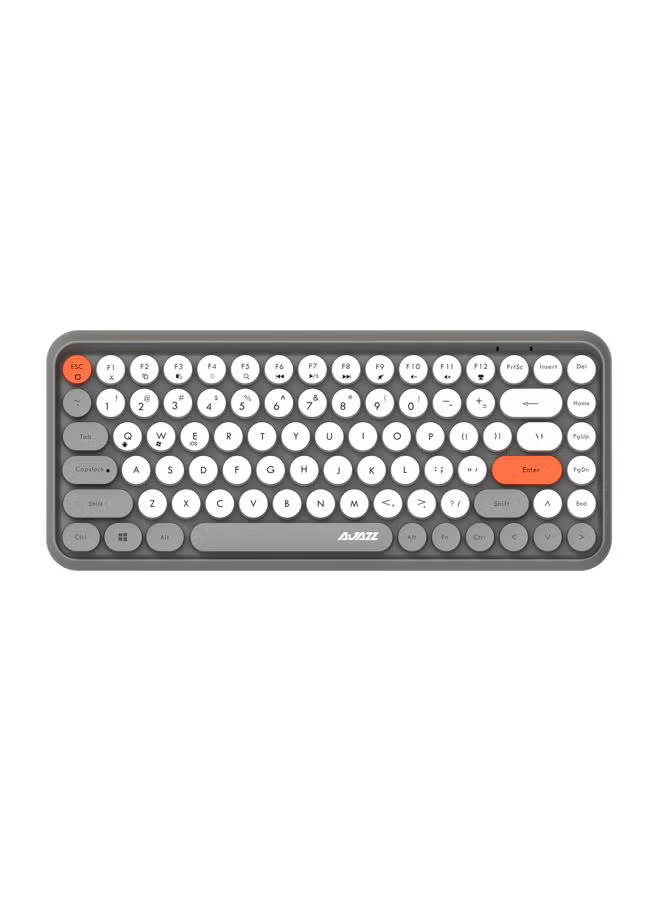
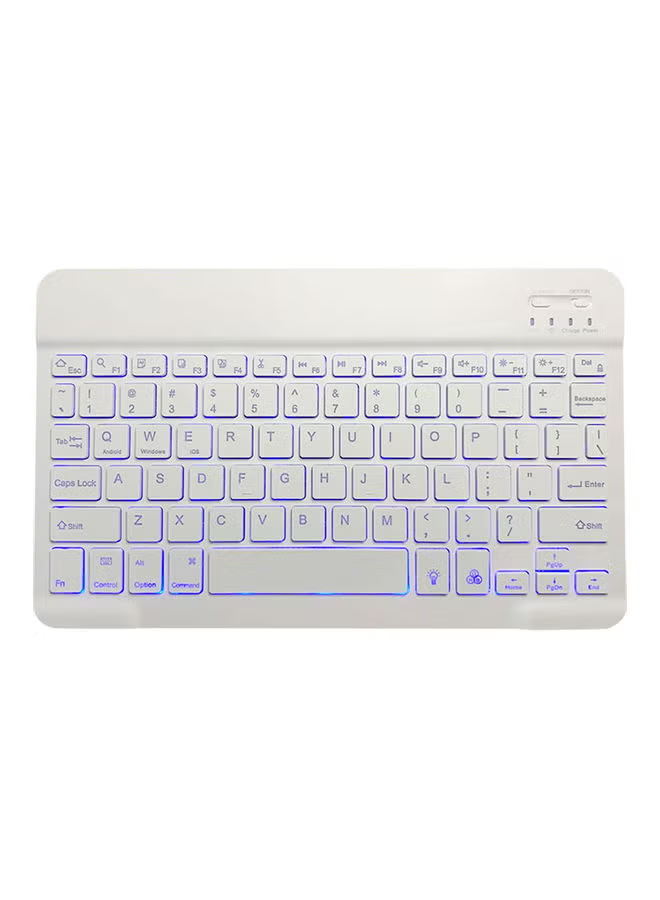
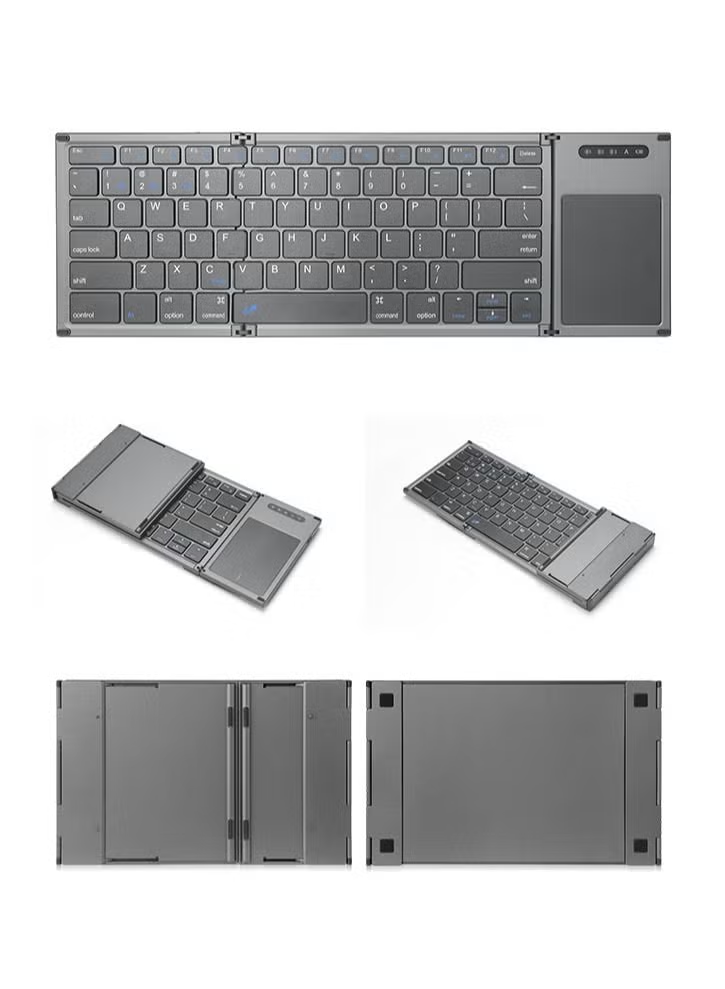
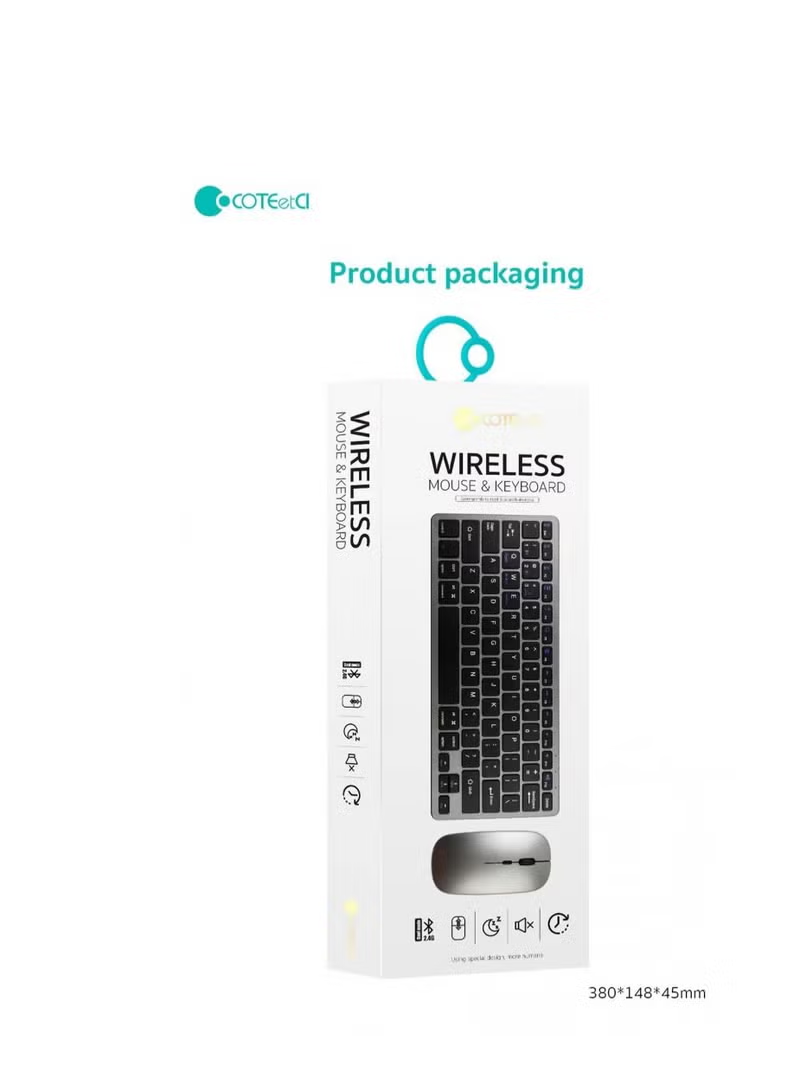
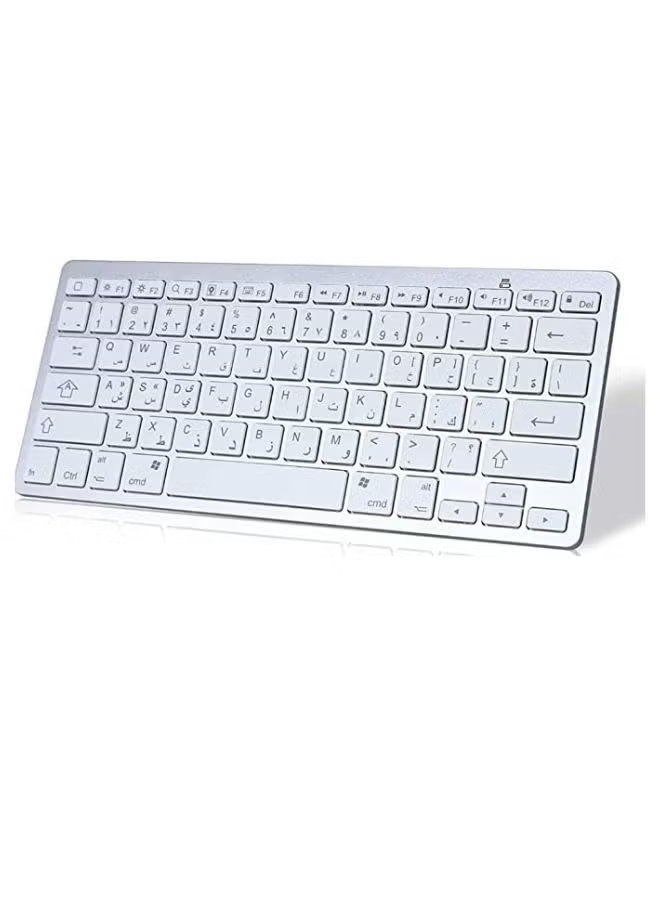
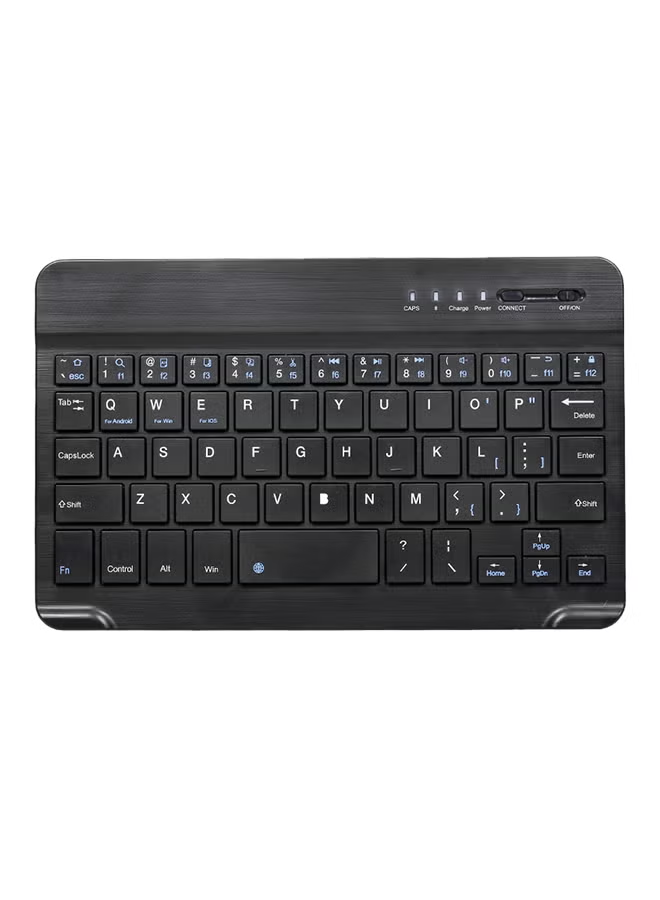
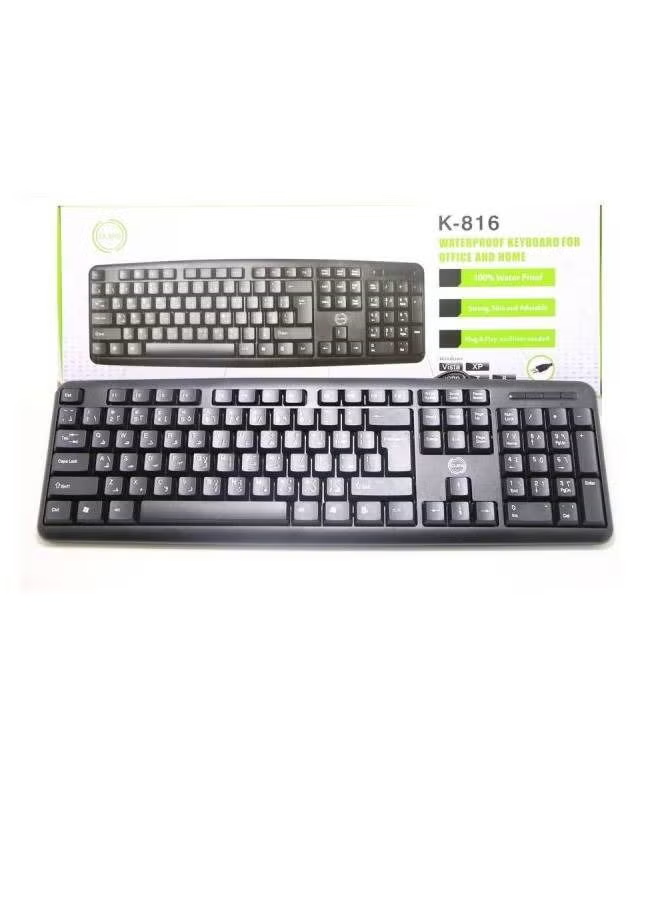
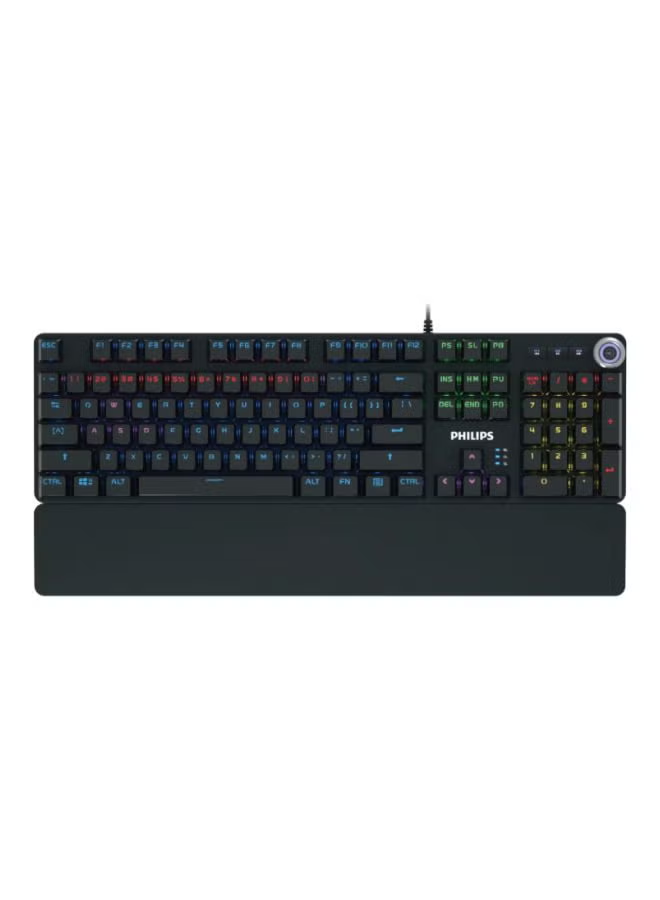
Wireless Keyboard Multi-Device, Bluetooth and 2.4G Dual Mode, Switch to 3 Devices for Cellphone, Tablet, PC, Smart TV, iOS Android Windows, Pink
توافر: {{ product.quantity }} جرد
SKU: {{ product.sku }}
{{ product.price_format }}
{{ product.origin_price_format }}
{{ variable.name }}
★【Dual Connection Mode: 2.4G and Bluetooth】: 2.4G For Desktop PC Laptop without bluetooth function. Bluetooth 5.0 technology provides a cable-free & clutter-free connection, operating distance 10m
★【QUICKLY SWITCH to 3 DEVICES】: Fast channel switch between 3 devices without any interference or disconnection. No need to restart pairing process. 0.46in slim solid body with integrated stand on both side
★【UNIVERSAL COMPATIBILITY】 : Widely Compatible with Cellphone Tablet PC laptop Desktop with Android Windows iOS and Mac OS system. Works on Apple iPad Air, iPad 4 / 3 / 2, iPad Mini 4, iPhone, Galaxy Tab, Macbook, Surface pro & More
★【LONG TIME OPERATION】: Separate ON/OFF switch and Smart auto sleep feature design for power saving. 2AAA battery Lasts over one year (based on two hours use per day) with power- saving mode
★【WORK FROM ANYWHERE】: This slim wireless keyboard works with computers, laptops, phones or tablets-with a lightweight design, minimalist-size layout, so you can multitask at home or on the go
<p>✯✯ How to connect 2.4G and Bluetooth ✯✯</p> <p></p> <p>1. Press F1/2.4G, the battery light blinks red, just put USB receiver to PC, it will connect</p> <p></p> <p>2. Long Press F2/BT1 for 3 seconds, the battery light blinks blue, which means that Bluetooth 3.0 is ready to pair. You can search Bluetooth 'BT3.0 Keyboard' and connect. When pairing successfully, blue light goes out.</p> <p></p> <p>3. Long Press F3/BT2 for 3 seconds, the battery light blinks green, which means that Bluetooth 5.0 is ready to pair. You can search Bluetooth 'BT5.0 KB' and connect. When pairing successfully, the green light goes out.</p> <p></p> <p>✯✯ How to switch after devices are connected ✯✯</p> <p></p> <p>Just press F1 one time to choose 2.4G device</p> <p></p> <p>or F2 one time to choose Bluetooth 1 device</p> <p></p> <p>or F3 one time to choose Bluetooth 2 device</p> <p></p> <p>About pre-installed batteries</p> <p></p> <p>There are 2 batteries which are covered by plastic in the back of the keyboard. Please take the plastic off and put it back. Then you can turn it on.</p>
★【QUICKLY SWITCH to 3 DEVICES】: Fast channel switch between 3 devices without any interference or disconnection. No need to restart pairing process. 0.46in slim solid body with integrated stand on both side
★【UNIVERSAL COMPATIBILITY】 : Widely Compatible with Cellphone Tablet PC laptop Desktop with Android Windows iOS and Mac OS system. Works on Apple iPad Air, iPad 4 / 3 / 2, iPad Mini 4, iPhone, Galaxy Tab, Macbook, Surface pro & More
★【LONG TIME OPERATION】: Separate ON/OFF switch and Smart auto sleep feature design for power saving. 2AAA battery Lasts over one year (based on two hours use per day) with power- saving mode
★【WORK FROM ANYWHERE】: This slim wireless keyboard works with computers, laptops, phones or tablets-with a lightweight design, minimalist-size layout, so you can multitask at home or on the go
<p>✯✯ How to connect 2.4G and Bluetooth ✯✯</p> <p></p> <p>1. Press F1/2.4G, the battery light blinks red, just put USB receiver to PC, it will connect</p> <p></p> <p>2. Long Press F2/BT1 for 3 seconds, the battery light blinks blue, which means that Bluetooth 3.0 is ready to pair. You can search Bluetooth 'BT3.0 Keyboard' and connect. When pairing successfully, blue light goes out.</p> <p></p> <p>3. Long Press F3/BT2 for 3 seconds, the battery light blinks green, which means that Bluetooth 5.0 is ready to pair. You can search Bluetooth 'BT5.0 KB' and connect. When pairing successfully, the green light goes out.</p> <p></p> <p>✯✯ How to switch after devices are connected ✯✯</p> <p></p> <p>Just press F1 one time to choose 2.4G device</p> <p></p> <p>or F2 one time to choose Bluetooth 1 device</p> <p></p> <p>or F3 one time to choose Bluetooth 2 device</p> <p></p> <p>About pre-installed batteries</p> <p></p> <p>There are 2 batteries which are covered by plastic in the back of the keyboard. Please take the plastic off and put it back. Then you can turn it on.</p>
المواصفات
| رقم الموديل | NA7095 |
|---|---|
| اسم الموديل | NA7095 |