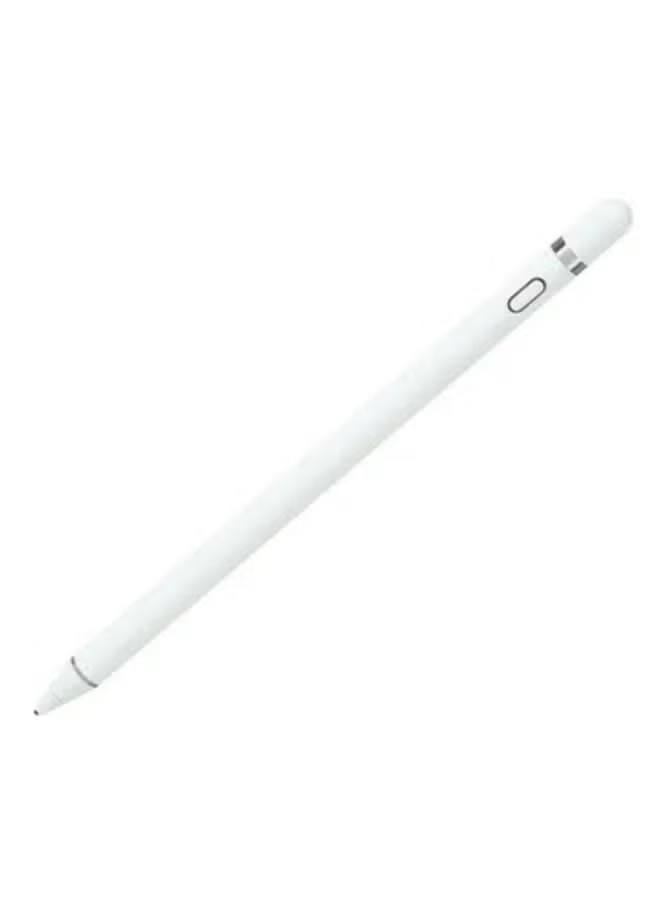
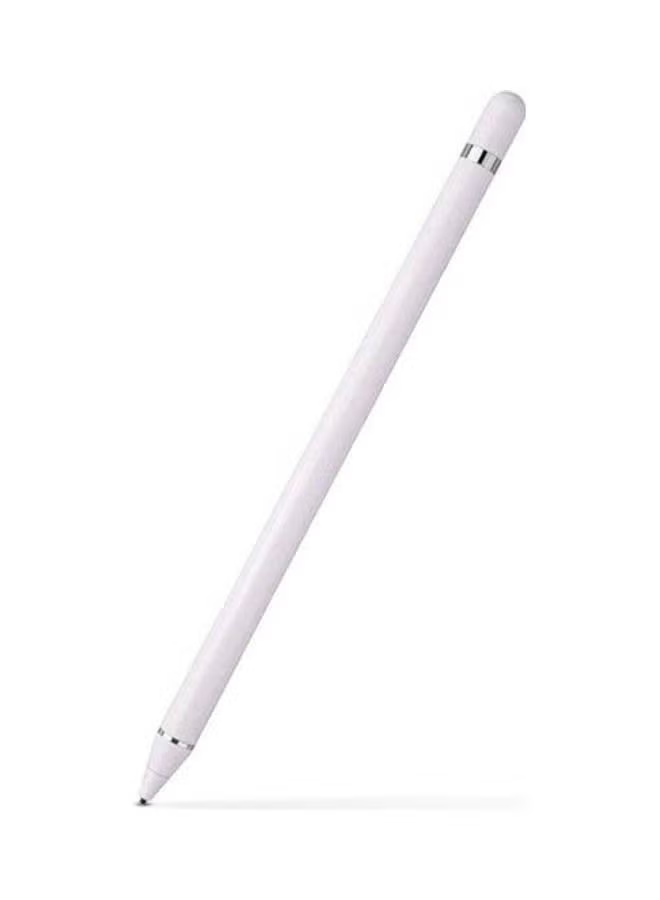
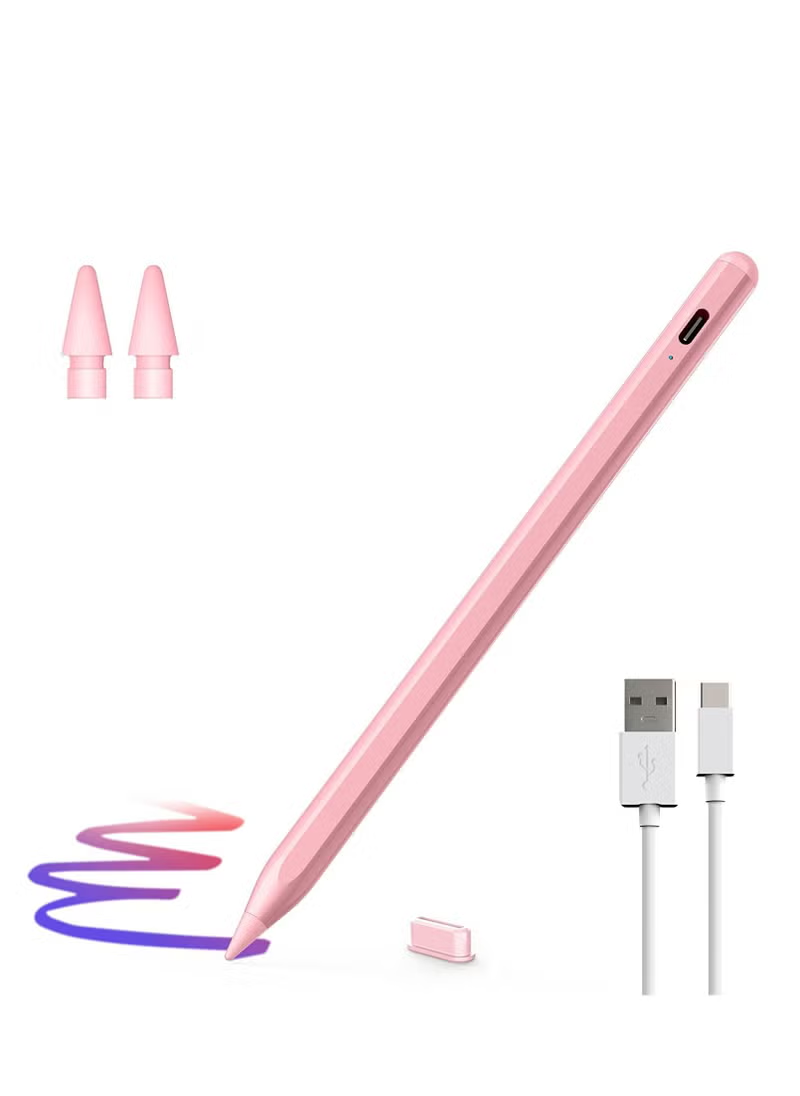
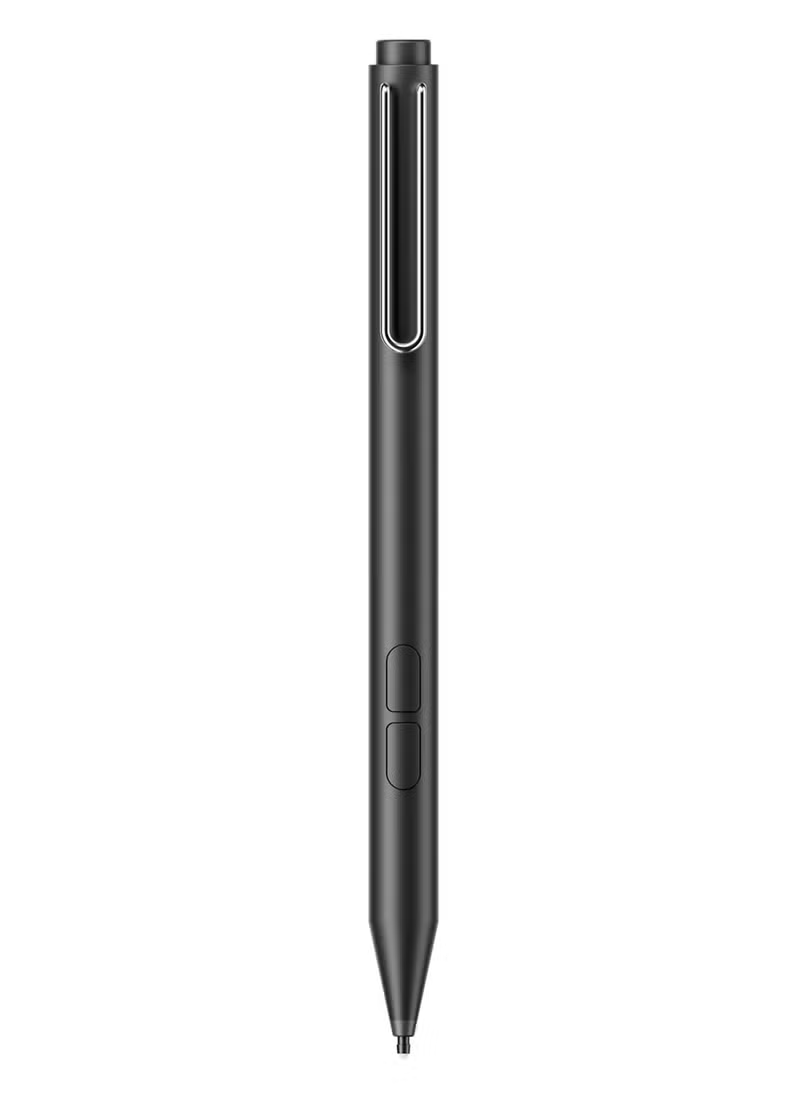
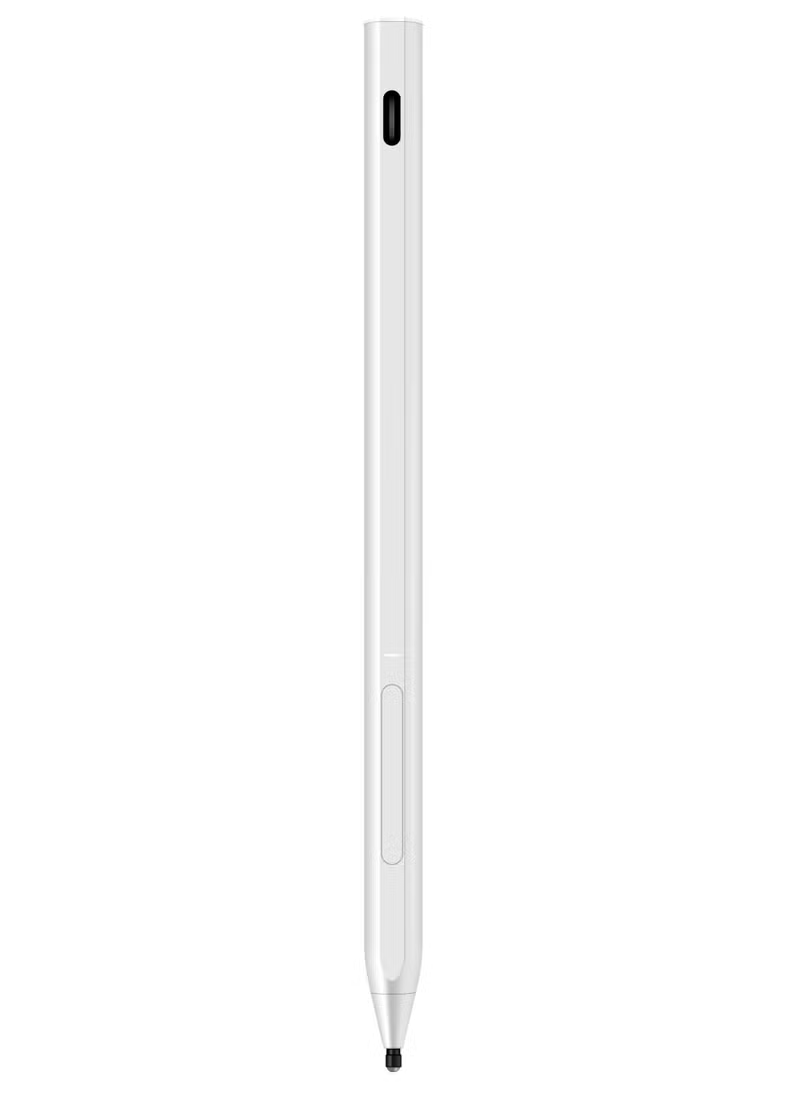
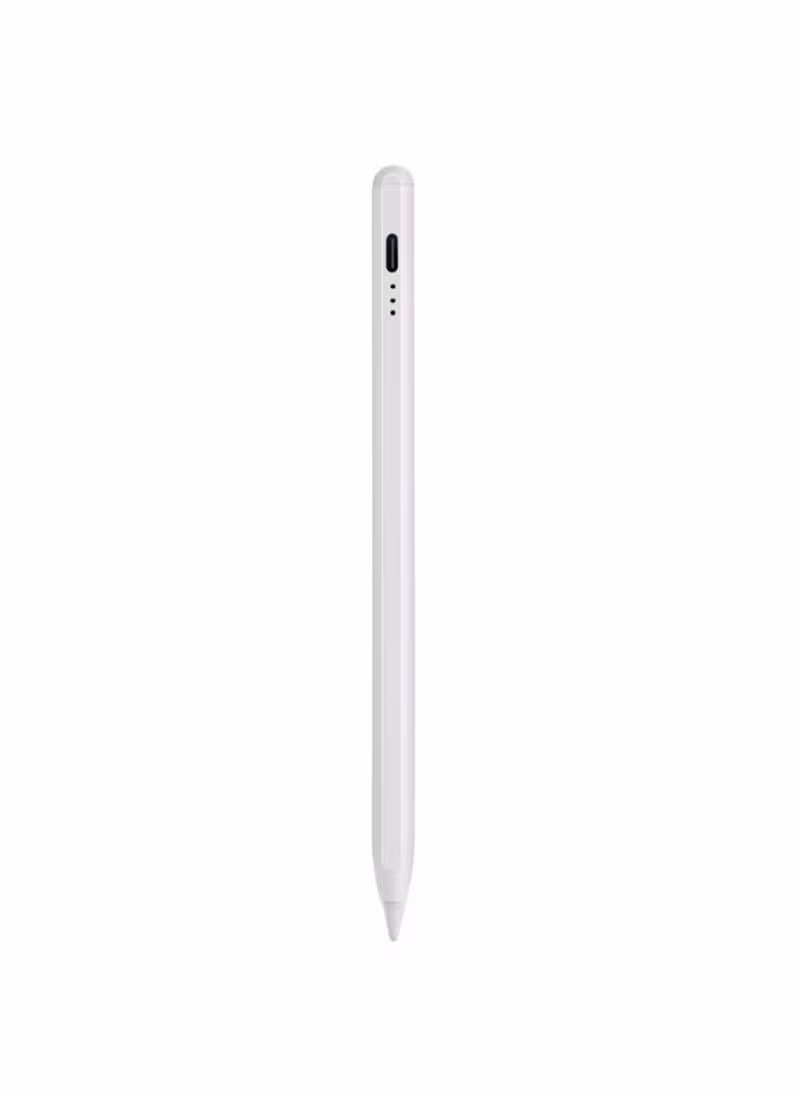
xQoops Stylus Pen for Ipad, Super Quick Charge(Fully Charged in 10 Minutes ) with Palm Rejection Design and Tilt Support, Compatible with Apple iPad 2018-2023 / iPad Pro
توافر: {{ product.quantity }} جرد
SKU: {{ product.sku }}
{{ product.price_format }}
{{ product.origin_price_format }}
{{ variable.name }}
XQOOPS stylus pen offers the latest quick charging technology, 5 minutes of charging can work for 5 hours. Fully charged in 10 minutes. For other stylus pens on the market, you might have to wait at least 1 hour before you can use the stylus again
Our pencil for iPad also offers palm rejection. No matter how much of our hands were touching the iPad’s screen while we were writing, it never interfered with the stylus’s performance or caused the line to jump around.
Tilt support: With this Apple iPad pencil's tilt support, you can use the pen tip’s broad edge to draw a wider line. Artists will find that it comes close to replicating the experience of using a paintbrush or a marker
Comfort: At just over 6.5 inches long and with a 0.35-inch diameter, the aluminum XQOOPS Stylus feels a lot more like a standard pen, rather than a tech gadget. This stylus weighs less than half an ounce, comfortable for extended use
With one flat edge that prevents it from rolling away when set it down. Magnets along that edge can attach to the side of flat-edged iPads, including the 2018, 2020, and iPad Pro models, the 2020 iPad Air (4th gen), and the 2021 iPad mini (6th ge
Works with any new iPad instantly, without your having to pair it (although if you previously paired an Apple Pencil to that iPad, you’ll have to unpair that first).
All you have to do is press the power button for 3 seconds, and the pilot lamps glows white, showing that the Stylus is ready for use. You can even use the stylus with multiple iPads without having to worry about going through a pairing process each
Works with any new iPad instantly, without your having to pair it (although if you previously paired an Apple Pencil to that iPad, you’ll have to unpair that first).
All you have to do is press the power button for 3 seconds, and the pilot lamps glows white, showing that the Stylus is ready for use.
Once it’s turned on, you can even use the stylus with multiple iPads without having to worry about going through a pairing process each time you want to switch between them.
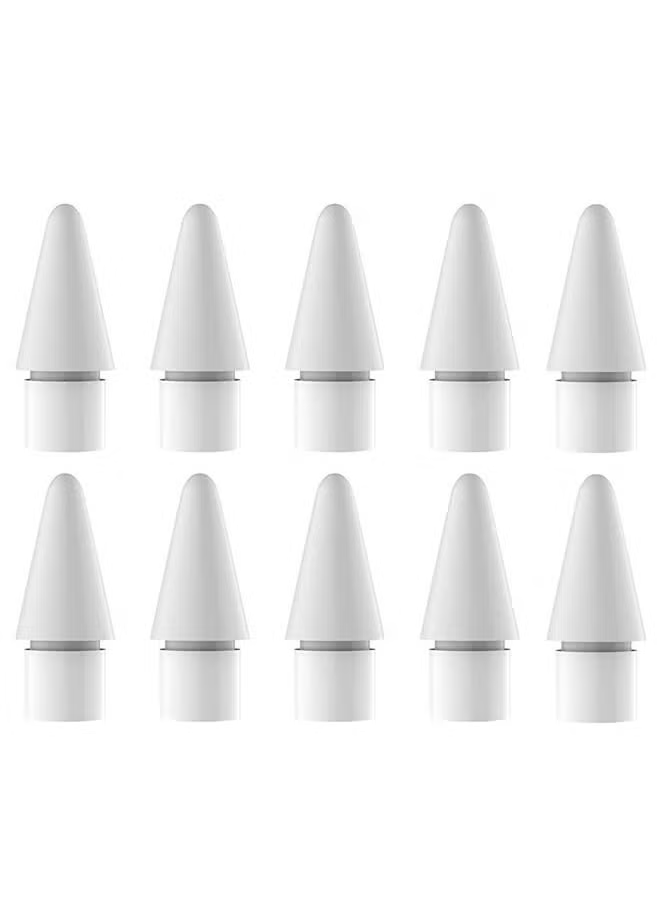
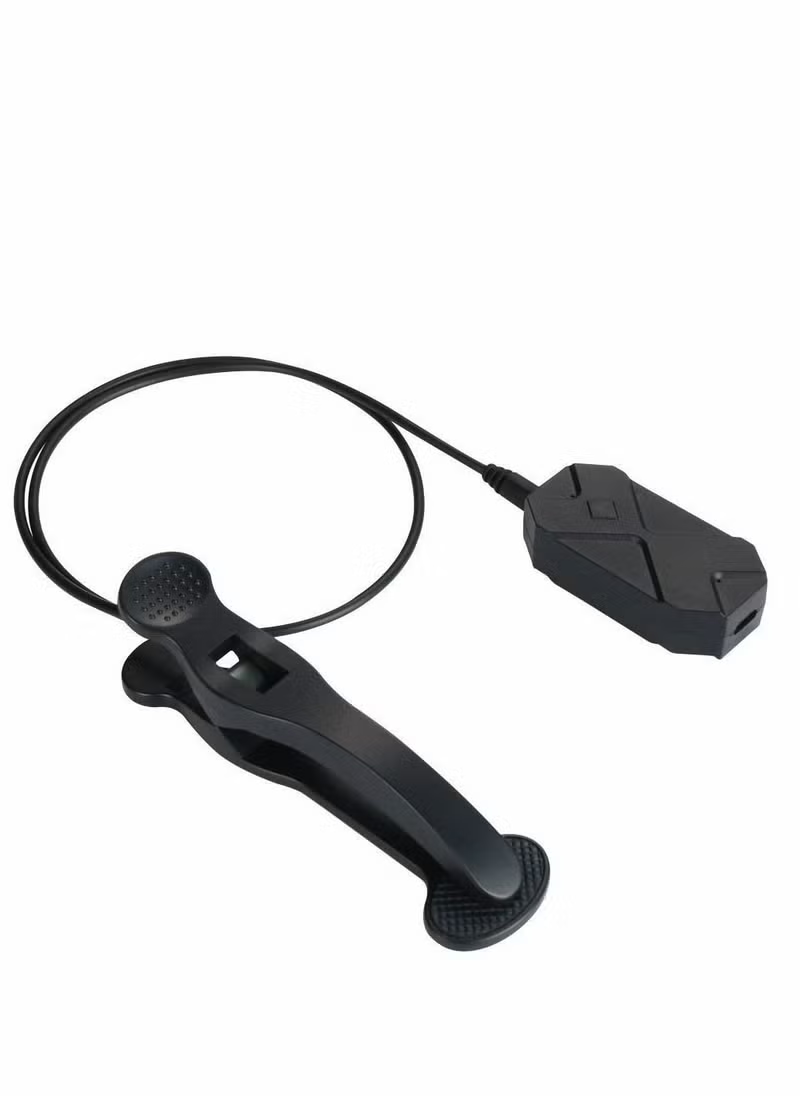
Comes with 3pcs interchangeable nibs. So you can swap one out if it wears out. Warm tips: it’s important to keep track of where you put the extra nibs so you don’t lose them.
Preparation: <br> 1.If the stylus or finger is unable to write, please modify your iPad or iPad Pro setting as follows : Settings>Apple Pencil>Turn off the Apple pencil / or Settings>Notes>Turn off "Only draw with Apple Pencil / or Settings>Apple Pencil>Turn off "Only draw with Apple Pencil (iOS 14). <br> 2.We don’t recommend you use the pen while your iPad is charging, which may cause break & disconnect issues. <br> 3.Please ensure it has enough power before use. <br> 4.ALL iPad IOS system must be updated to iOS 12.2 or above. <br> 5.It has better using experience if used with the tempered glass screen protector. <br> Palm Rejection Technology <br> XQOOPS stylus pen with palm rejection technology ,you can rest your palm comfortably on the screen while writing or drawing,you don’t have to wear the anti-friction glove with this pen. <br> Tilt Function<br> XQOOPS iPad pencil is designed to work like a regular pencil, the thickness of the line can be changed according to the stylus different angles. The latest tilt-sensing technology makes freedom for writing and drawing. Magnetic Adsorption The ipad pen attaches magnetically to the side of your iPad, it is easy to place, it can prevent rolling and lost when you don't use it.
Our pencil for iPad also offers palm rejection. No matter how much of our hands were touching the iPad’s screen while we were writing, it never interfered with the stylus’s performance or caused the line to jump around.
Tilt support: With this Apple iPad pencil's tilt support, you can use the pen tip’s broad edge to draw a wider line. Artists will find that it comes close to replicating the experience of using a paintbrush or a marker
Comfort: At just over 6.5 inches long and with a 0.35-inch diameter, the aluminum XQOOPS Stylus feels a lot more like a standard pen, rather than a tech gadget. This stylus weighs less than half an ounce, comfortable for extended use
With one flat edge that prevents it from rolling away when set it down. Magnets along that edge can attach to the side of flat-edged iPads, including the 2018, 2020, and iPad Pro models, the 2020 iPad Air (4th gen), and the 2021 iPad mini (6th ge
Works with any new iPad instantly, without your having to pair it (although if you previously paired an Apple Pencil to that iPad, you’ll have to unpair that first).
All you have to do is press the power button for 3 seconds, and the pilot lamps glows white, showing that the Stylus is ready for use. You can even use the stylus with multiple iPads without having to worry about going through a pairing process each
Works with any new iPad instantly, without your having to pair it (although if you previously paired an Apple Pencil to that iPad, you’ll have to unpair that first).
All you have to do is press the power button for 3 seconds, and the pilot lamps glows white, showing that the Stylus is ready for use.
Once it’s turned on, you can even use the stylus with multiple iPads without having to worry about going through a pairing process each time you want to switch between them.
Comes with 3pcs interchangeable nibs. So you can swap one out if it wears out. Warm tips: it’s important to keep track of where you put the extra nibs so you don’t lose them.
Preparation: <br> 1.If the stylus or finger is unable to write, please modify your iPad or iPad Pro setting as follows : Settings>Apple Pencil>Turn off the Apple pencil / or Settings>Notes>Turn off "Only draw with Apple Pencil / or Settings>Apple Pencil>Turn off "Only draw with Apple Pencil (iOS 14). <br> 2.We don’t recommend you use the pen while your iPad is charging, which may cause break & disconnect issues. <br> 3.Please ensure it has enough power before use. <br> 4.ALL iPad IOS system must be updated to iOS 12.2 or above. <br> 5.It has better using experience if used with the tempered glass screen protector. <br> Palm Rejection Technology <br> XQOOPS stylus pen with palm rejection technology ,you can rest your palm comfortably on the screen while writing or drawing,you don’t have to wear the anti-friction glove with this pen. <br> Tilt Function<br> XQOOPS iPad pencil is designed to work like a regular pencil, the thickness of the line can be changed according to the stylus different angles. The latest tilt-sensing technology makes freedom for writing and drawing. Magnetic Adsorption The ipad pen attaches magnetically to the side of your iPad, it is easy to place, it can prevent rolling and lost when you don't use it.
المواصفات
| رقم الموديل | BSQPEN2302 |
|---|---|
| اسم اللون | أبيض |
| اسم الموديل | BSQPEN2302 |